























.jpg)

.jpg)



.jpg)

.jpg)
Get a feel for our sample prints, papers, and materials before deciding!
 Get a Free Sample Kit
- 4 sticker types: die-cut or kiss-cut singles, or placed on rolls or sheets
- Self-adhesive materials that will stick to any clean & smooth surface
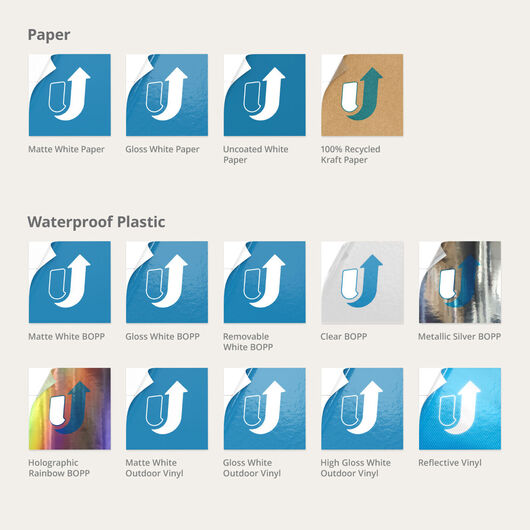
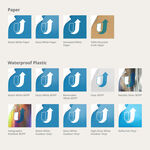
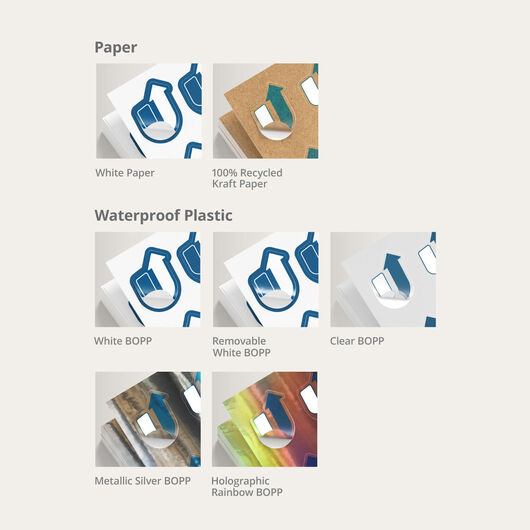
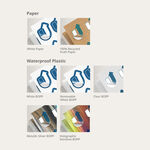
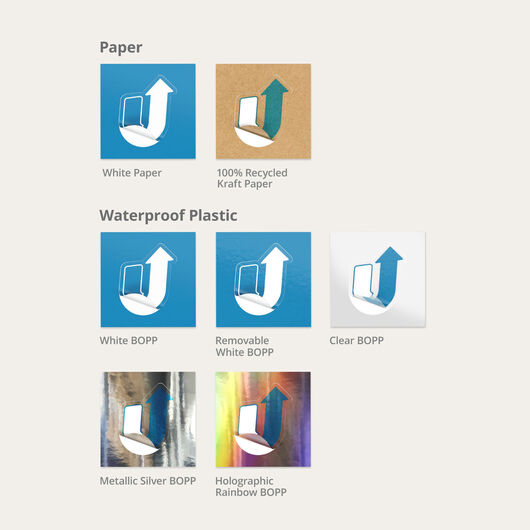
- Choose from a variety of waterproof BOPPs & vinyls, and finished & unfinished papers
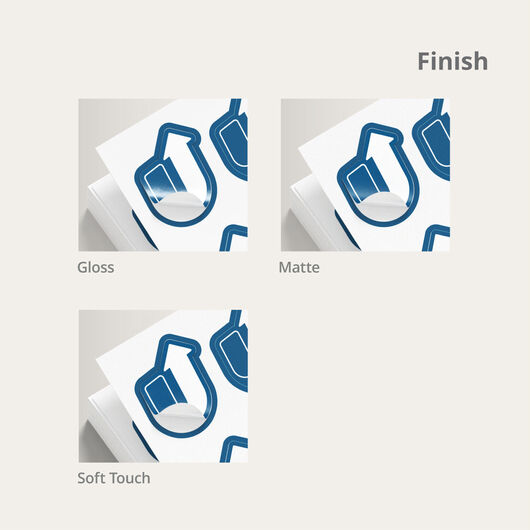
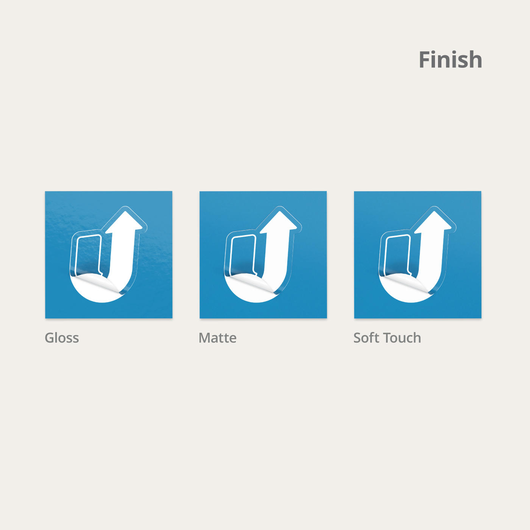
- Available with gloss, matte & soft-touch finishes
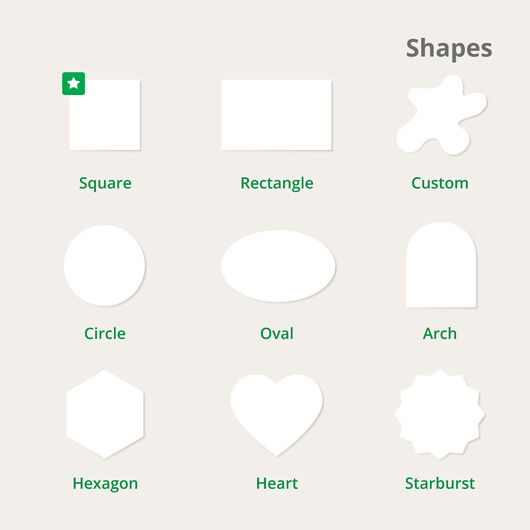
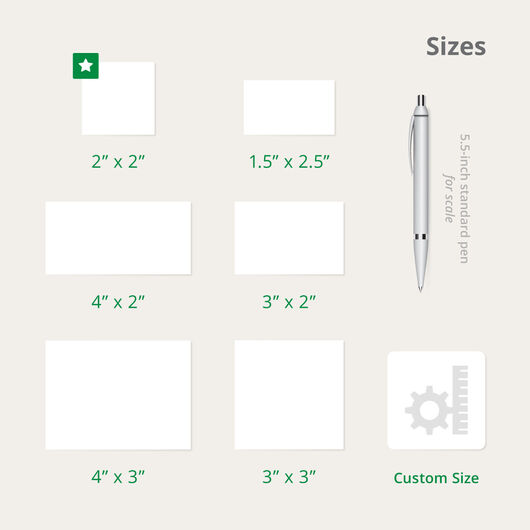
- Create completely customized shapes & sizes
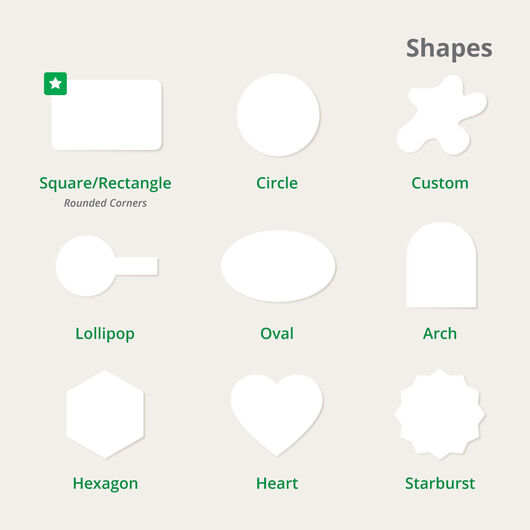
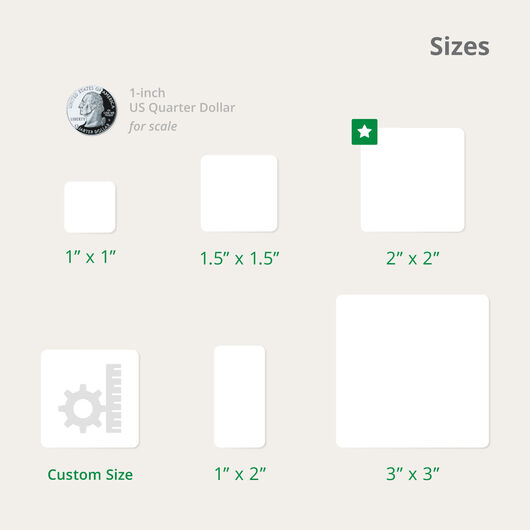
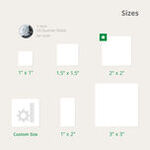
- Choose from a range of standard shapes & sizes
- Minimum order quantities starting as low as 10 pieces for vinyl
- Flexible turnaround time starting from 1 business day
Custom Stickers


Features
Get a feel for our sample prints, papers, and materials before deciding!
Get a Free Sample Kit- 4 sticker types: die-cut or kiss-cut singles, or placed on rolls or sheets
- Self-adhesive materials that will stick to any clean & smooth surface
- Choose from a variety of waterproof BOPPs & vinyls, and finished & unfinished papers
- Available with gloss, matte & soft-touch finishes
- Create completely customized shapes & sizes
- Choose from a range of standard shapes & sizes
- Minimum order quantities starting as low as 10 pieces for vinyl
- Flexible turnaround time starting from 1 business day
Custom Stickers: Crafting Unique Messages
Are you an organization finding new ways to suit your members’ different personalities? Whether you’re a university with thousands of enrolled students, a fashion designer creating bespoke pieces for the hustling millennial, or an organic skincare provider delivering affordable luxury, custom stickers offer the freedom, space, and variety in a print marketing tool that caters to the busy and mindful individual. Find the right size, shape, and style you need to make a standout statement sticker that speaks volumes to your audience here on UPrinting.
Styles and Sizes for All the Statements You Can Think Of
Our custom sticker options come in styles and sizes that match all kinds of personalities and uses:
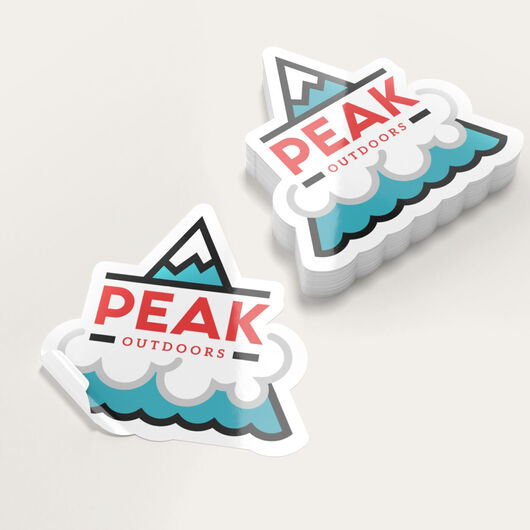
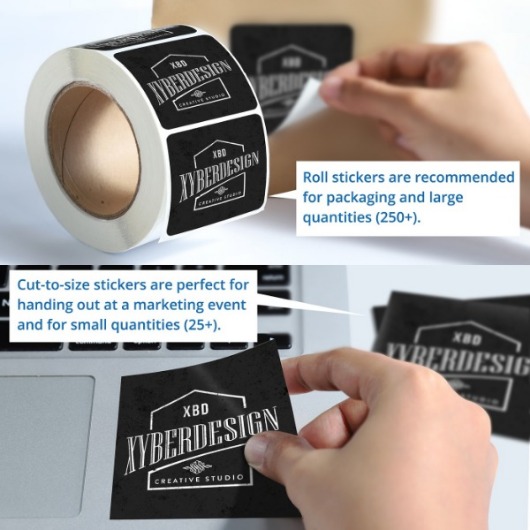
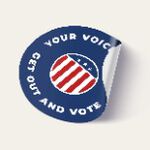
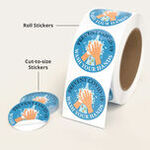
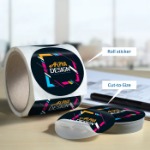
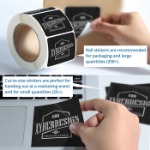
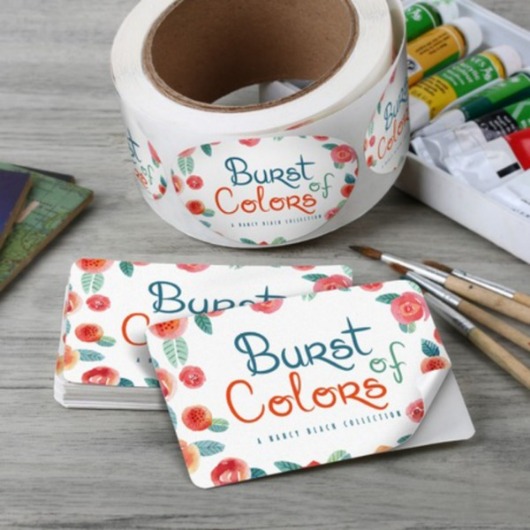
- Singles (formerly known as cut-to-size) are a great choice for small businesses to use as giveaways to promote their business.
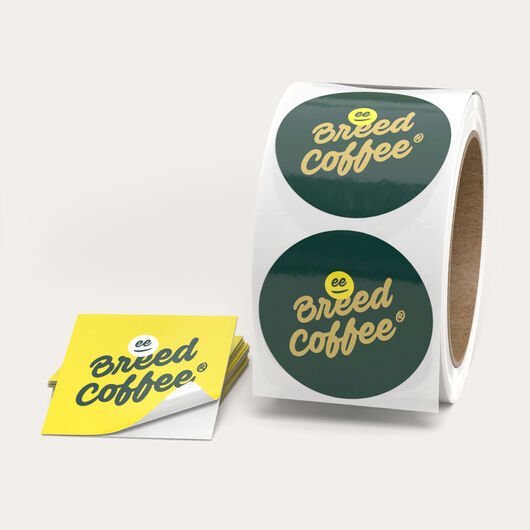
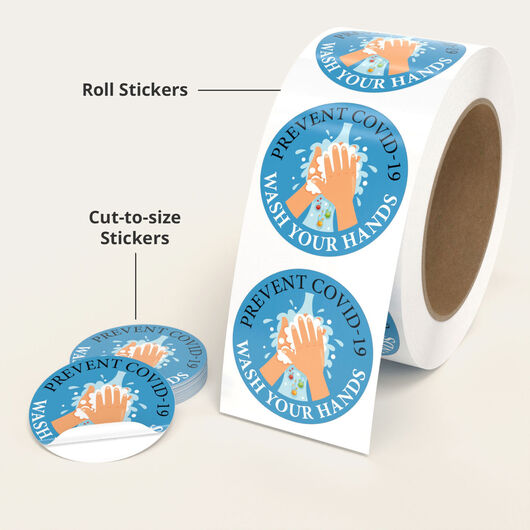
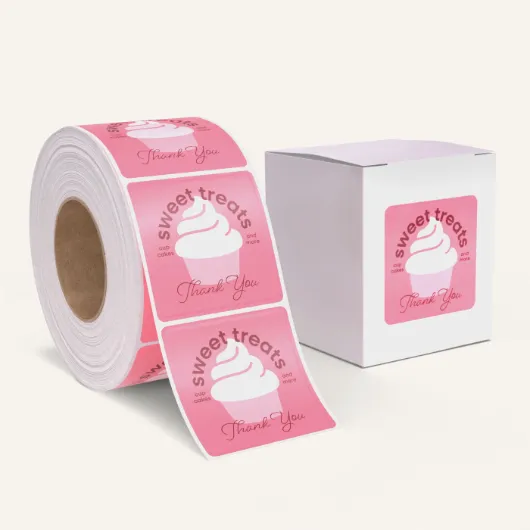
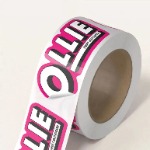
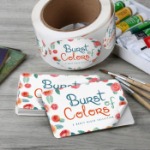
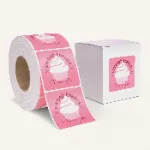
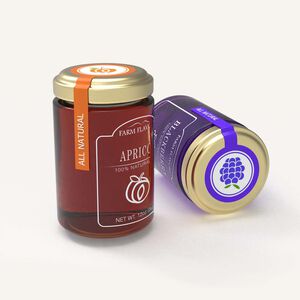
- Roll stickers fit in most label dispensers for fast and easy reach. These are a practical choice for the business owner that uses stickers to seal tissue paper or packages.
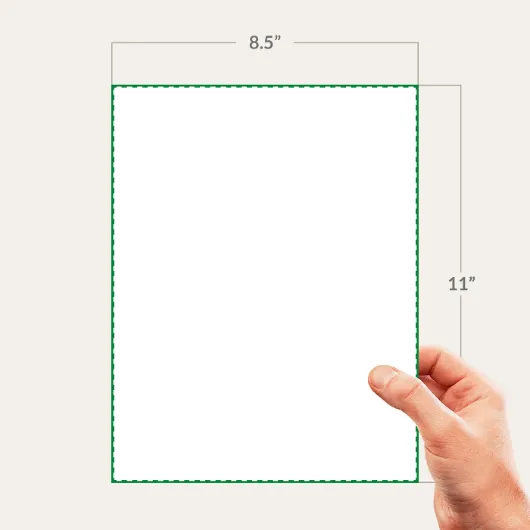
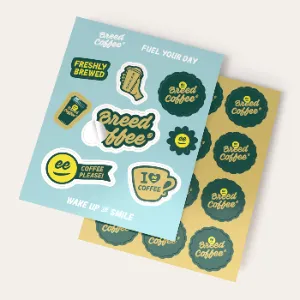
- Sticker sheets are great for creating different designs on one sheet, or they can also be created repeating the same design on one sheet. These are ideal for the business owner that uses stickers for a variety of uses.
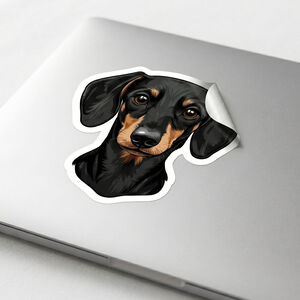
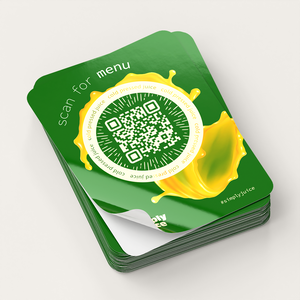
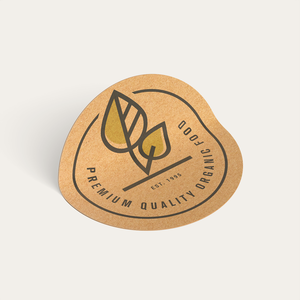
- Kiss-cut stickers feature extra sticker material around the design. This extra material protects the edges and makes the sticker easier to peel. The extra space can be used to include a hang hole for easy retail display, or as extra printing space to include branding such as QR codes, websites, or social media handles.
Personalize the Shape of Your Stickers
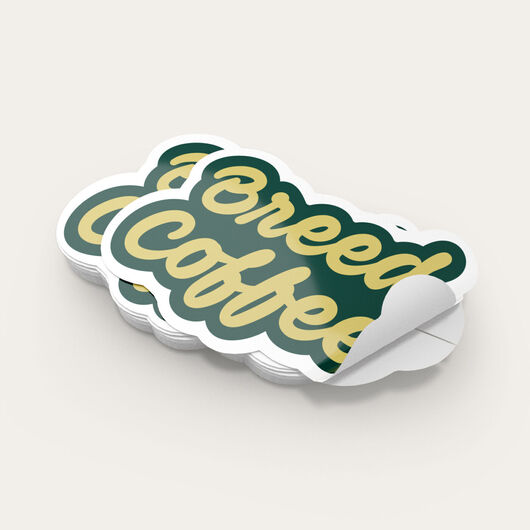
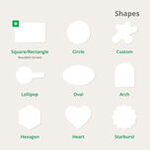
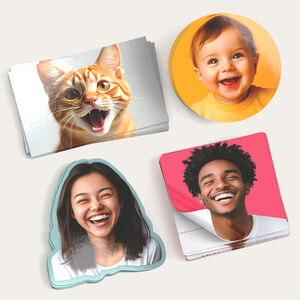
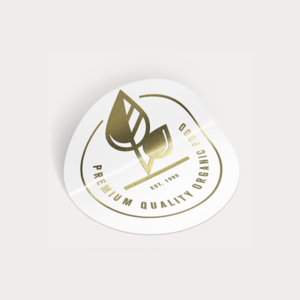
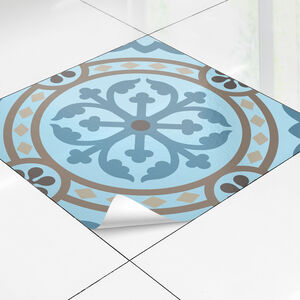
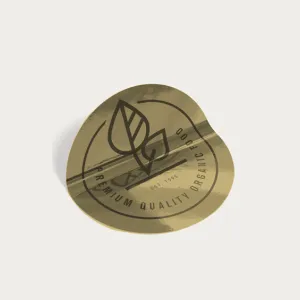
Design a completely custom concept by selecting custom shape. We'll cut your sticker to the exact shape of your design. We'll send you a proof of the cut line to show how we will cut around it.
Get Started On Making Your Own Stickers
Or use our online design tool to design a completely custom design and preview your sticker before production.
#ILoveUPrintingStickers: What Customers say about our Custom Stickers
Custom Stickers FAQs
The best material to make your stickers depends on where and how you intend to use them.
-
The paper materials are the best choice for stickers that will only be used indoors and will not be exposed to water.
-
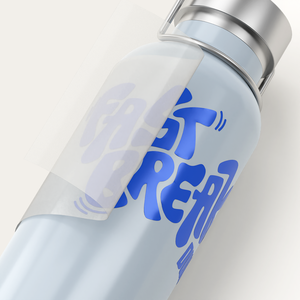
BOPP is more durable than the paper options. It’s often applied on consumable products that require refrigeration, such as water and beer bottles. Clear, white, and silver metallic BOPP are waterproof, oil-resistant, and tear-proof.
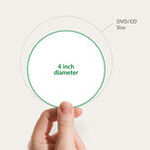
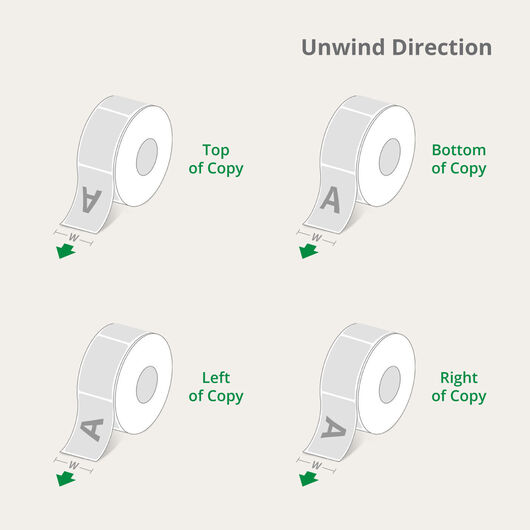
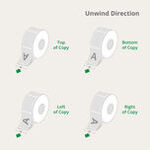
Measure the distance between the farthest ends of the sticker design. For roll stickers, start from the side that dispenses from the roll to measure the width.
Need help adjusting the font size to make your text stand out? Use our online calculator to find sticker font sizes.
|
You can request for a digital proof that you can check after you’re done uploading/creating your sticker design on our design tool. Print out the proof in its actual size and cut along the trim line to see if the sticker will fit its application location. Remember to approve the proof online to begin printing. |
Singles and roll stickers use different materials and finishes to achieve the final product. They also entail separate processes, thus the pricing between formats is different.
Matte coating appears smooth and satin-like, unlike gloss and high-gloss. This effect happens because it does not reflect light. It is recommended for those who need a rustic or subdued look for their design. Gloss coating makes the design shine, so colors appear more vibrant and stand out under low light. High-gloss UV coating has a shinier finish than gloss, and it’s also waterproof and durable enough for outdoor use.
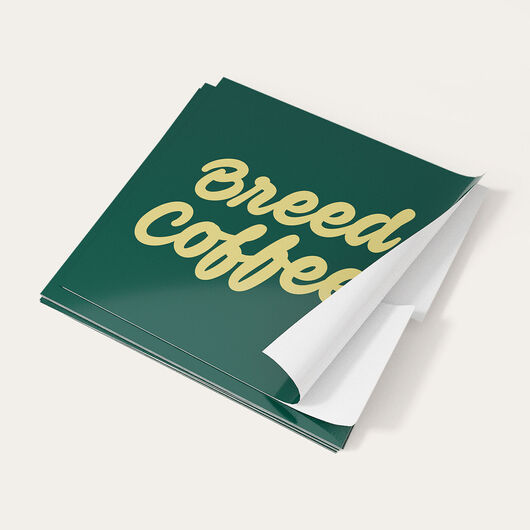
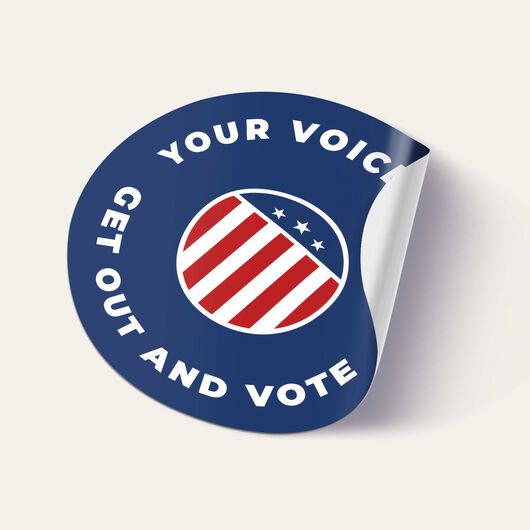
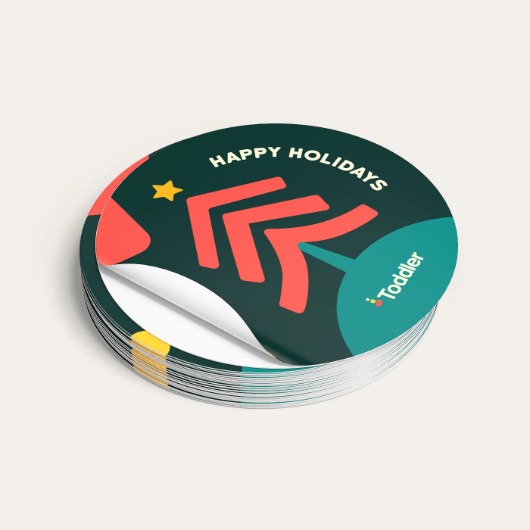
Die-cut stickers have a backing that’s cut to the shape of your design. Kiss-cut stickers have a square backing that’s bigger and creates a border around the actual sticker design.
Nonetheless, die-cut stickers remain a great option if you want your stickers to look more professional and interesting.
With proper care, stickers can last for years. However, durability depends on the sticker material, its environment, and substances that may come in contact with it.
UPrinting stickers have a permanent adhesive backing that sticks to almost any surface. The adhesive hardens over time, giving the stickers the best adhesion the longer they are set. However, textured and curved surfaces reduce the tack from the adhesive. For best results, we recommend placing stickers on flat and smooth surfaces.
Stickers come with a paper backing that protects the adhesive. Since stickers come in different shapes and formats, it’s essential to know the best ways to peel stickers to keep them crease-free when you transfer them to your product packaging or any other surface.
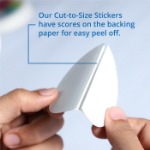
- Single Stickers come with a bend-and-peel backing that makes peeling off a lot easier. This backing comes in two panels, which you need to split or bend to reveal the adhesive. Here’s a video showing how it’s done:
- Kiss-Cut Stickers unlike die-cut stickers that are trimmed to the exact shape, kiss cuts sit on a large paper backing. To peel off, look for the border and flick up the edge of the sticker with your nail and finger. Gently lift the sticker and move to another corner to avoid creasing.
- Sticker Sheets come with a full-sized backing. This format requires you to remove the stickers one by one. Look for the outline around the piece of sticker you want to remove. Gently lift the sticker from one corner slowly until you’re able to lift the whole piece off. Smaller stickers can usually be peeled off in one swoop.
- Roll Stickers are perhaps the easiest to peel off from the backing. Simply look for an edge that you can easily lift off and work your way around just as you would with a kiss-cut or die-cut sticker.
The following requests require customers to coordinate with the custom team:
- Sizes bigger or smaller than what’s offered on our website.
- A detailed shape with many sharp points, strips narrower than 0.5”, deep curves or cuts, and other intricate details.
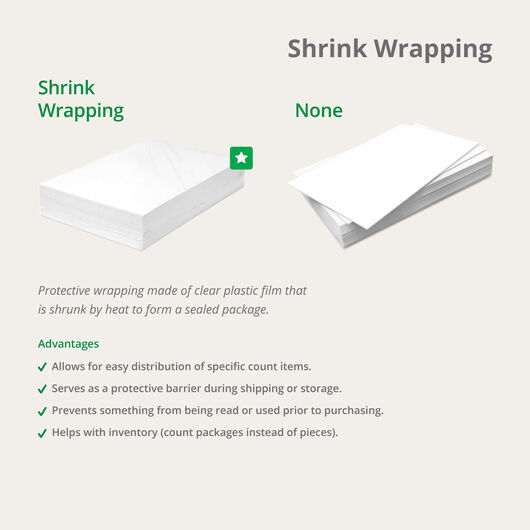
When you order custom stickers online, we can bundle your order for delivery. To request this, use our online calculator. Find the “Bundling” button and select “Shrink Wrapping.” This ensures your stickers are organized and protected during shipment at a meager cost.
The printing time depends on the sticker type:
- Single stickers take between 1 to 3 business days.
- Roll stickers require more time at 2, 4, or 6 business days.
- Sheets and kiss-cut stickers take 6 business days to print.
No, but you can get an estimate of the delivery date. The printing time indicates the number of business days to produce your order. Click “Estimate Shipping Cost and Delivery Date” in the online calculator to select your preferred delivery date.
Yes, it’s possible to print your stickers in separate rolls. If you’d like to take this option and know more about the additional charges, please contact our Customer Service team at (888) 888-4211.?
Most sticker materials come with a permanent adhesive. If you need a removable sticker, print your design in the removable white BOPP material.
Stickers don’t usually leave residue when removed from unwashed fabric. To remove the adhesive, peel the sticker's edges and roll it into balls. This allows you to get as much adhesive off without using any tools or liquid solvents.
Add 0.125″ bleed around your design and keep borders or important elements inside the safe margin. This allows slight cutting shifts without affecting the appearance of your sticker.
Yes. Our custom stickers use a general-purpose permanent adhesive that bonds well to most paper, plastic, and corrugated surfaces, as long as the surface is clean, dry, and free of oil or dust.
Yes. Custom stickers use a permanent adhesive for indoor and outdoor use and can withstand temperatures from -50 °F to 150 °F. They adhere strongly and may leave residue if removed.
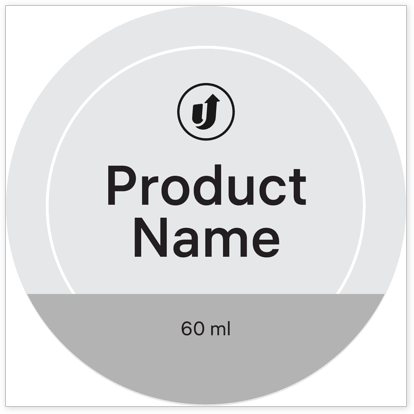
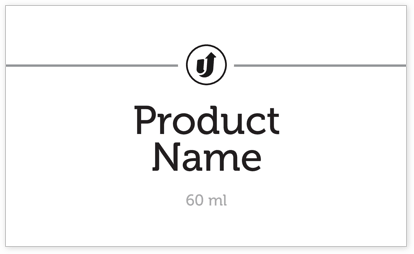
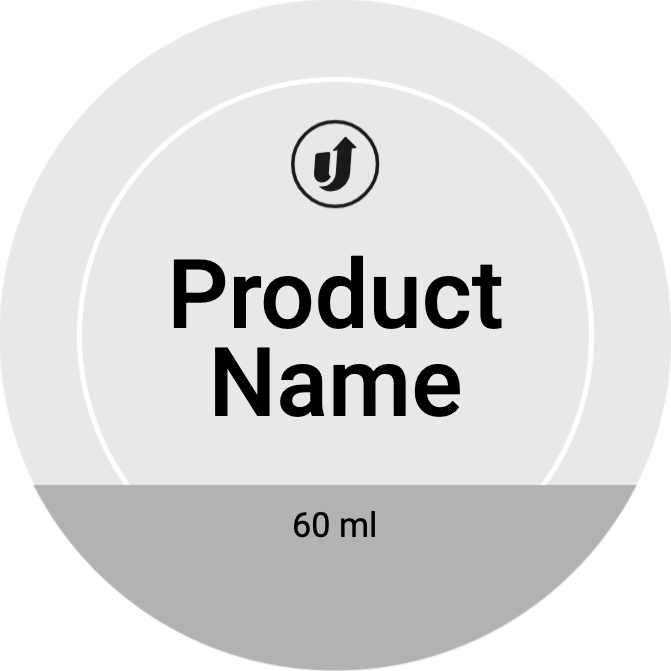
Free Custom Stickers Design Templates
Follow these simple steps to customize your Custom Stickers with our free design templates below:


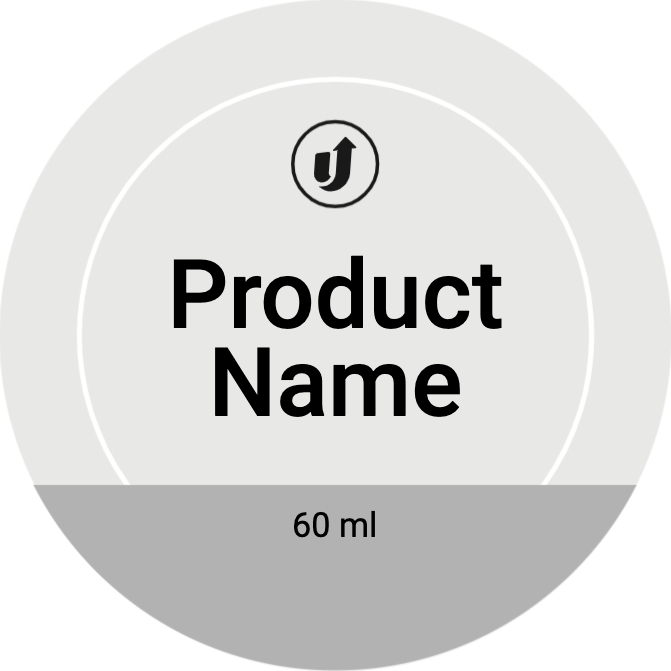
Custom Stickers Print File Guidelines

















About Hard Copy Proofs
UPrinting offers hard copy proofs for clients with color critical art. These color proofs are printed on our highly calibrated EPSON proofing system and are closest representation of the final printed pieces.

Hard Copy proofs are printed using Kodak Proofing Stock, which is different from the actual paper we will use when printing your order. While its main purpose is to show color, variations may occur depending on the finish selected (AQ, Matte, UV) for the final print job. We do not offer hard copy proofs for art that will be printed on uncoated paper.