

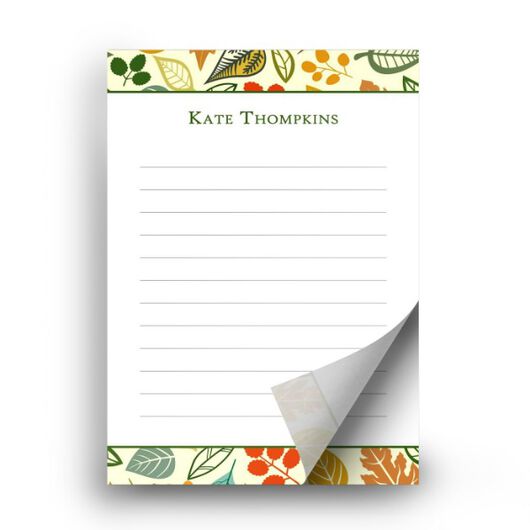
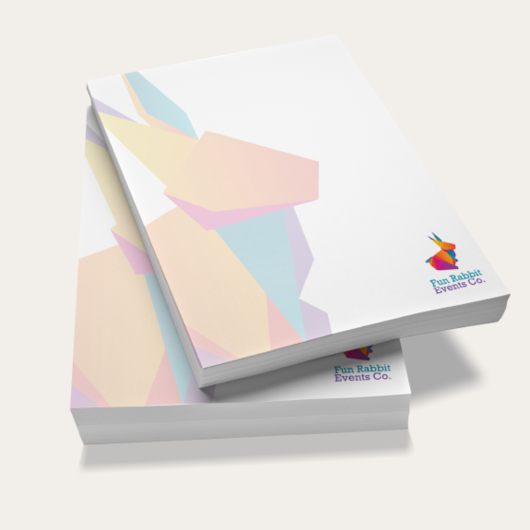
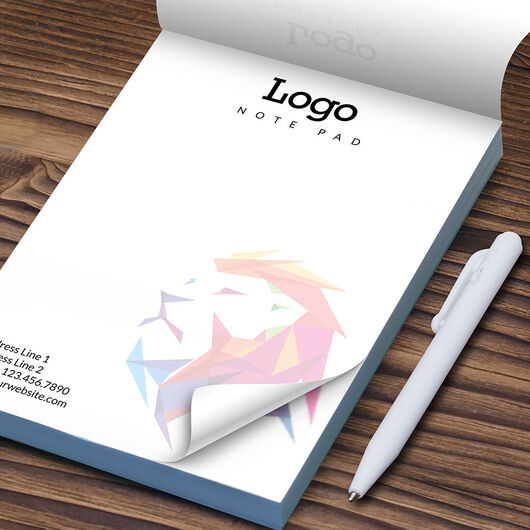
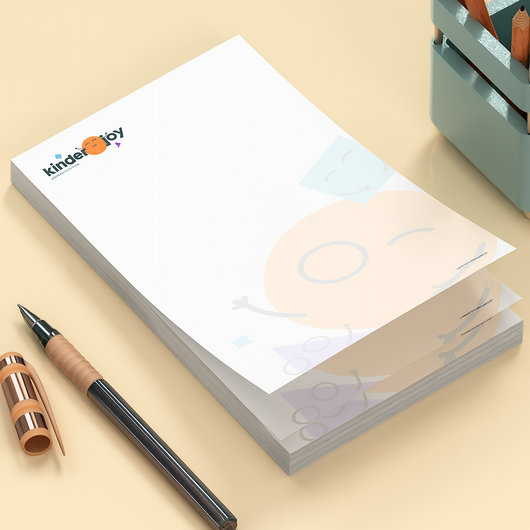


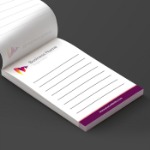
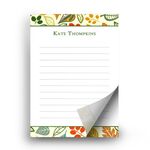
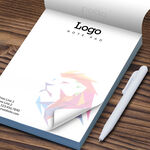
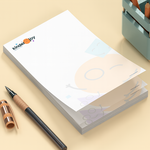

- Choose your size: 8 popular sizes from 4"×6" memo pads to full 8.5"×11" — or build a custom size up to 12"×18".
- Pick your thickness: 25, 50, or 100 sheets per pad.
- Front-only or front & back printing — add a calendar, map, or notes on the back
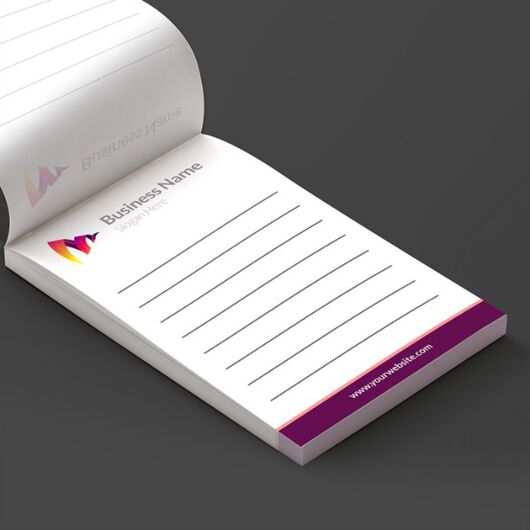
- Your choice of bound edge: glue the pad at the top, bottom, left, or right.
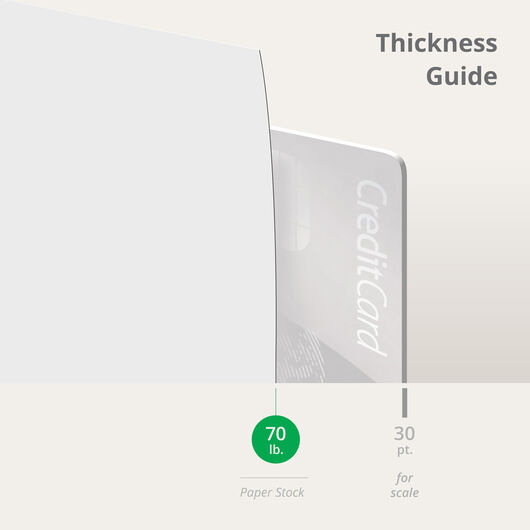
- Full-color printing on 70 lb. uncoated paper — smooth, bright, and easy to write on with any pen.
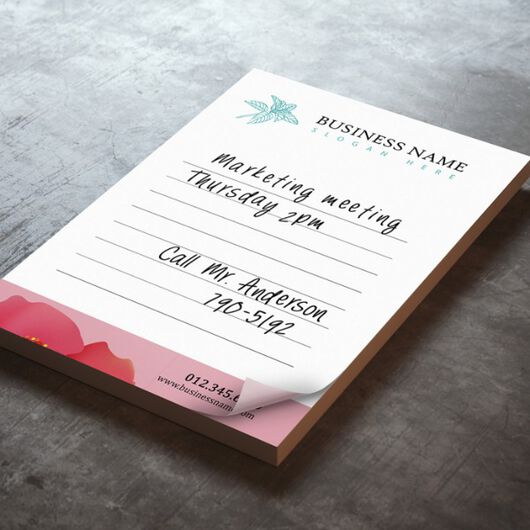
- Padded with a sturdy cardboard back for a clean tear and a solid writing surface.
- Order 10 to 30,000+ pads with fast 1, 3, or 6 business-day turnaround and a free PDF proof.
Notepads
Features
- Choose your size: 8 popular sizes from 4"×6" memo pads to full 8.5"×11" — or build a custom size up to 12"×18".
- Pick your thickness: 25, 50, or 100 sheets per pad.
- Front-only or front & back printing — add a calendar, map, or notes on the back
- Your choice of bound edge: glue the pad at the top, bottom, left, or right.
- Full-color printing on 70 lb. uncoated paper — smooth, bright, and easy to write on with any pen.
- Padded with a sturdy cardboard back for a clean tear and a solid writing surface.
- Order 10 to 30,000+ pads with fast 1, 3, or 6 business-day turnaround and a free PDF proof.
Custom Notepads That Put Your Brand on Every Desk
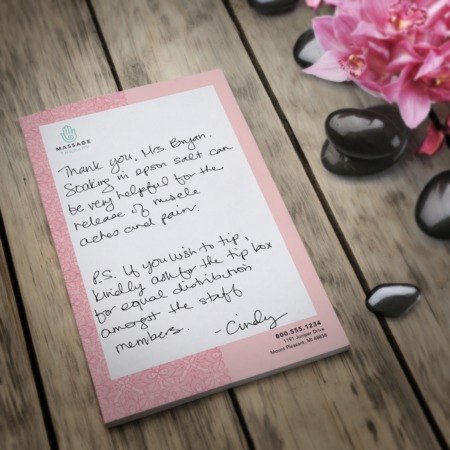
Custom notepads are the rare giveaway people actually keep and use — every torn sheet puts your logo back in view. Real estate agents leave them with clients, dental and medical offices set them at the front desk, churches hand them to first-time visitors, and sales teams drop them in welcome kits.
Upload your design or start from a free template, choose your size, sheet count, and printing time, and we'll print your memo pads in brilliant full color on smooth 70 lb. paper.
Approve a free PDF proof before we print and reorder the exact same notepad in a couple of clicks next time.
Customization Options
Build your notepad exactly the way you need it. Every option below is set right in the price calculator at the top of the page.
Option |
Choices |
Notes |
|---|---|---|
| Size |
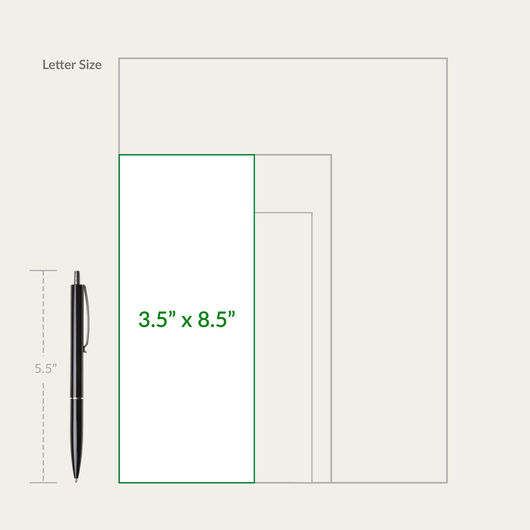
4×6, 4.25×5.5, 5×7, 5.5×8.5, 8.5×11, 3.5×8.5, 3.5×3.5, 12×18 — or Custom (3.5–12" W × 3.5–18" H) |
4×6 is the most popular; 5.5×8.5 for taking notes; 8.5×11 for worksheets/forms |
| Sheets per pad | 25, 50, 100 | More sheets = a thicker, longer-lasting pad |
| Printed side | Front Only or Front & Back | Use the back for a calendar, map, ruler, or extra info |
| Bound (glued) edge | Top, Bottom, Left, Right | Top is standard; choose another to match how the pad will be used |
| Backing | Padded with cardboard back | Sturdy base for a clean tear and easy writing |
| Paper | 70 lb. uncoated | Bright white, smooth, writable with pen, pencil, or marker |
| Quantity | From 10 up to 30,000+ pads | Bulk lowers cost per pad; see how quantity works below |
| Printing Turnaround | 1, 3, 6 business days | Printing time only; does not include shipping/transit |
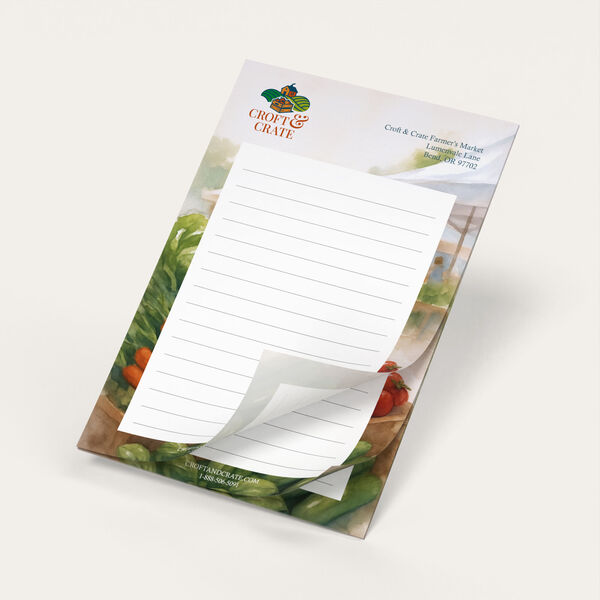
Quantity = number of PADS in your order, not sheets. Each pad contains the number of sheets you select (25, 50, or 100). To calculate the total number of sheets in your order, just multiply the number of pads times the number of sheets per pad (X pads × Y sheets = Z total sheets).
For example, 100 notepads with 50 sheets each = 100 notepads and 5,000 total sheets.
Not sure how many you need? Bulk orders lower your cost per pad!
How to Choose the Right Notepad Size:
- 4" × 6" — Most popular. Compact desk and counter pad; ideal for real-estate, medical, and front-desk giveaways.
- 5.5" × 8.5" — Best for note-taking. Half-letter size with room to write; popular for meetings and sales teams.
- 5" × 7" — Middle ground. Bigger than a memo pad, still pocketable.
- 8.5" × 11" — Full page. Worksheets, order forms, checklists, and tear-off handouts.
- 4.25" × 5.5" / 3.5" × 3.5" — Compact. Quick memos, to-do, and small giveaways.
- Custom — any size from 3.5"–12" wide and 3.5"–18" tall when a standard size won't do.
Frequently Asked Questions
The quantity is the number of PADS in your order, not sheets. Each pad has the number of sheets you pick (25, 50, or 100). For example, 100 pads with 50 sheets each = 100 notepads and 5,000 total sheets.
Place your logo and any text in a header or footer band and keep the center open for writing. Keep important elements at least ½" from the bound (glued) edge and inside the safe area. A full-bleed background can make the pad hard to write on — refer to the downoadable Print Design Guidelines or start from one of our free templates to get the spacing right.
Screens use RGB and printing uses CMYK, so some colors (especially deep blues and bright reds) can shift. For the best color accuracy, build your file in CMYK, request a free PDF proof before printing, and for critical brand colors, order a hard copy proof. We'll also review your file for free and flag issues before we print. For more on color models for print, read our article on Why You Need to Change RGB to CMYK for Print.
While the top edge is standard, you choose the bound edge — top, bottom, left, or right. Pads are glued along that edge and padded with a sturdy cardboard back for a clean tear and a solid writing surface.
Businesses use branded notepads as everyday giveaways and desk tools — real-estate referral pads, medical and dental appointment pads, law and finance memo pads, church welcome pads, jobsite pads for trades, and notepads tucked into employee or client welcome kits. Because people keep and reuse them, your logo stays in view for weeks.
Yes. Upload your own print-ready file or start from a free notepad template and add your logo, colors, and text. You can print front-only or front & back, in full color, in any of our sizes or a custom size.
A notepad is glued along one edge with a cardboard back — you tear sheets off the pad. A sticky notepad has a re-stickable adhesive strip like a Post-it. These notepads do not have an adhesive back; if you need sticky notes, see our adhesive notepads.
Choose 1,3, or 6 business day printing (production time only, does not include shipping). You can order as few as 10 pads or scale to 30,000+ for bulk runs, with cost per pad dropping as quantity rises.
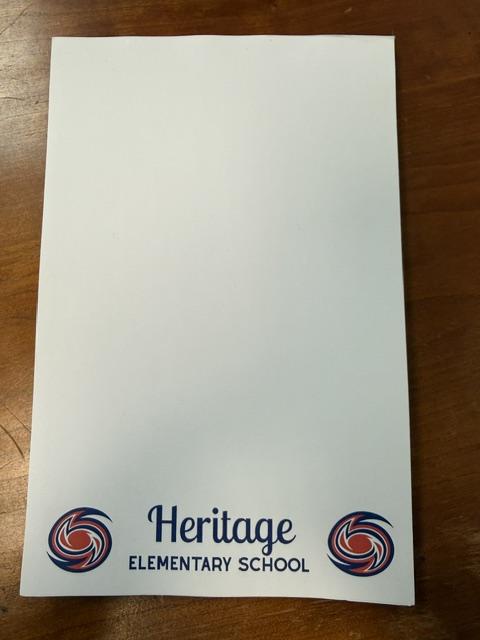
Size. Color. Material. It's all here, and more.
1 Paper/Stock Options

70 lb. Paper Uncoated
- Uncoated for excellent writability and printability
- Tactile paper feel
- Paper from sustainable sources
- Best choice for Letterhead, Envelopes and marketing materials that have sections for forms
Free Notepads Design Templates
Follow these simple steps to customize your Notepads with our free design templates below:


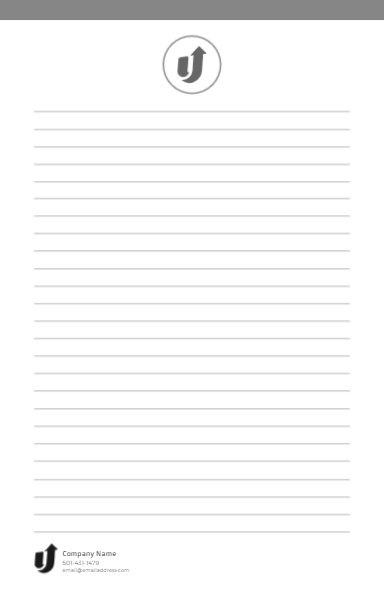

Notepads Print Layout Templates


About Hard Copy Proofs
UPrinting offers hard copy proofs for clients with color critical art. These color proofs are printed on our highly calibrated EPSON proofing system and are closest representation of the final printed pieces.
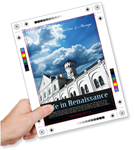
Hard Copy proofs are printed using Kodak Proofing Stock, which is different from the actual paper we will use when printing your order. While its main purpose is to show color, variations may occur depending on the finish selected (AQ, Matte, UV) for the final print job. We do not offer hard copy proofs for art that will be printed on uncoated paper.