
 Good news! We now offer Rush Production on custom box orders.




Mailer Boxes


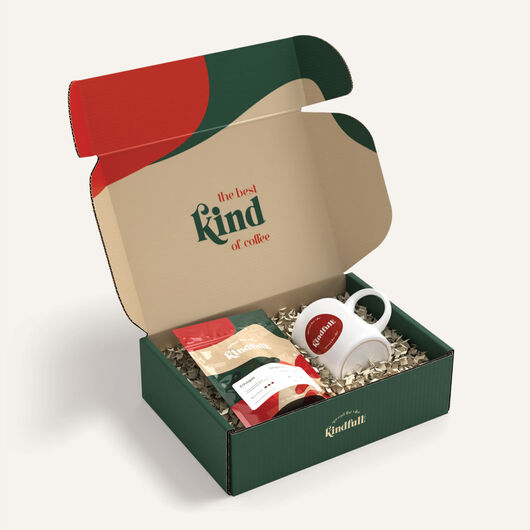
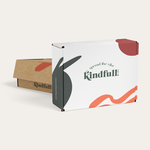
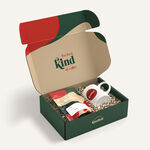
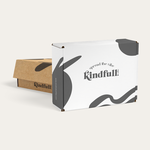
Create a memorable unboxing experience with our Mailer Boxes.
Custom mailer boxes are used to deliver almost anything including ecommerce orders, subscription boxes, and promotional kits for every industry, from beauty to food & wine to clothing.
Why is UPrinting the best choice in custom boxes?
Our printing services let you design your own mailers—customize every detail, from choosing a custom size to executing the most intricate design. We offer:- Digital production
- Sustainably sourced materials
- Easy design tool
- Instant pricing
- Flexible production (choose rush/standard)
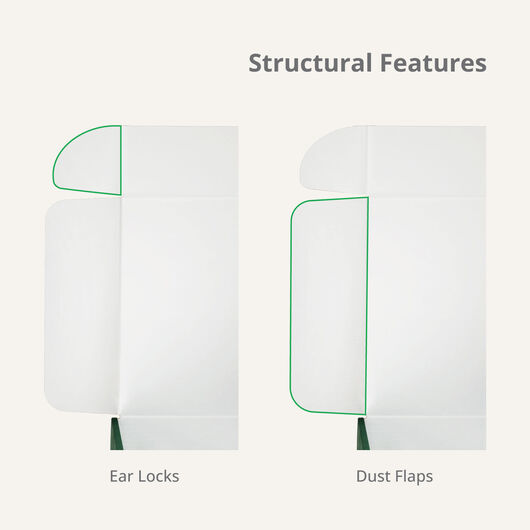
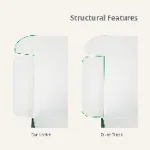
Fold and Flap - it’s as easy as that!
Our Roll End Tuck Front box is designed for easy and quick assembly with extra protection. It comes scored to indicate which lines are for folding. Save time (and tape!) so you can get your products out the door and in front of your customers.How to Assemble Your Mailer Box
Sustainable & Sturdy Material Options
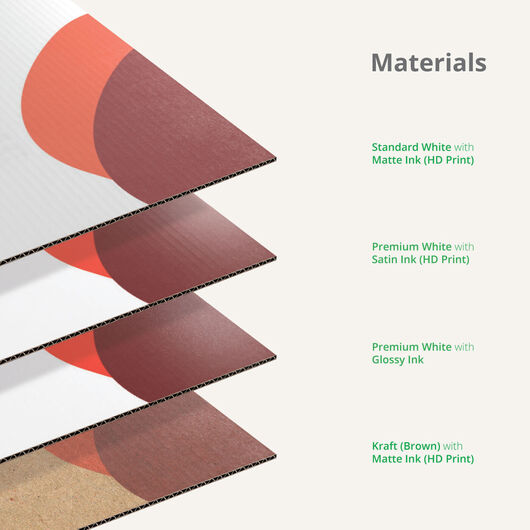
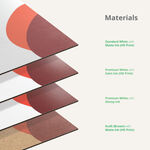
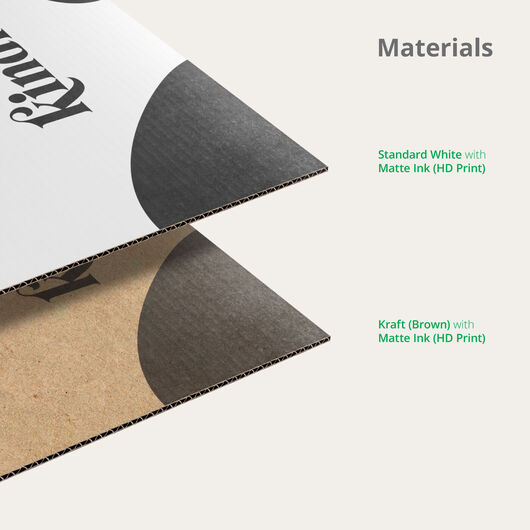
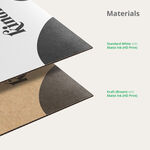
3 Paper/Stock Options

Standard White with Matte Ink (HD Print)
- Popular, economical option
- Made of sturdy, sustainable material
- Uncoated finish

Premium White with Satin Ink (HD Print)
- Smooth surface with a feel
- Clay-coated for a whiter brighter finish
- Best for luxury brands, gift boxes and promotional kits

Kraft (Brown) with Matte Ink (HD Print)
Material thickness
We automatically select a material thickness that works best for your box dimensions. If you require a specific thickness, please contact us.
- .
- .

Sustainable & Durable
Our custom mailer boxes are made of sustainable, recyclable, and sturdy corrugated cardboard. No extra packaging needed to send your corrugated mailers.
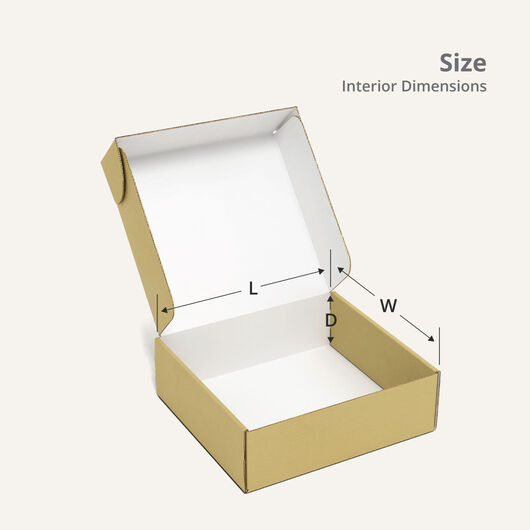
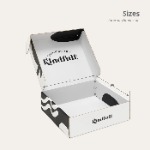
Custom Mailer Box Sizes
We produce your custom mailers in the exact size you need within the following ranges:

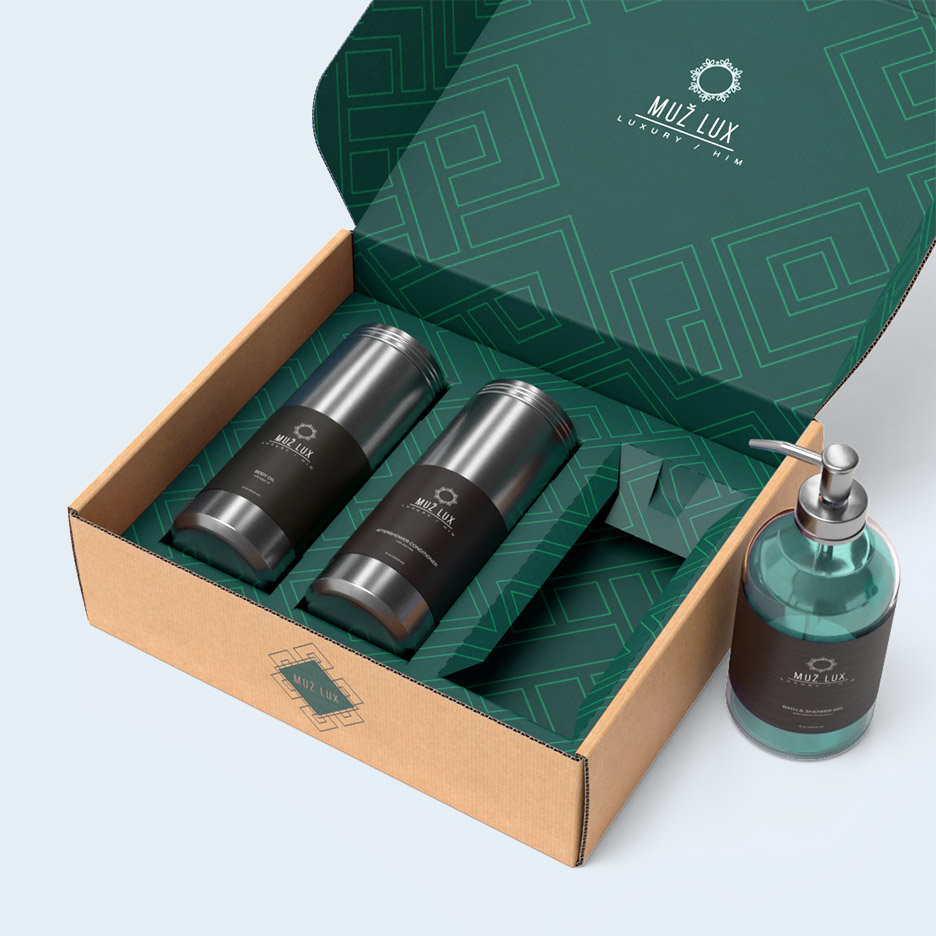
Take your mailers to the next level with
Custom Inserts
Our dedicated US-based packaging team will work with you throughout the process to design and order the perfect inserts for your mailers.
.jpg)



Custom Mailer Boxes FAQ
While unprinted corrugated cardboard is generally considered safe for food, our boxes have not been reviewed or certified for food safety. The inks used in our HD Print process are safe for indirect contact with food.
We recommend using food safe wraps or other primary packaging to protect food and limit/prevent direct contact with the mailer boxes.
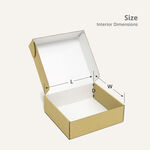
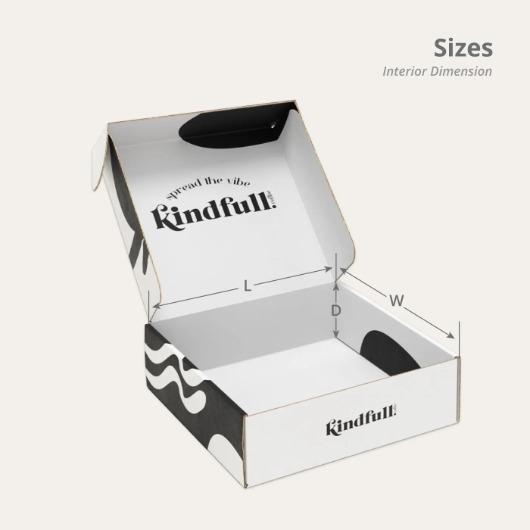
With the box open toward you, here's how to get the correct measurements for the inside of the box:
- The length is measured from the left to right side of the box.
- The width is measured from the front to the back of the box.
- The depth is measured from the top to the bottom of the box.
Select kraft corrugated cardboard if you want a rustic, natural-looking brown color to complement your design. This material works best with darker color palettes since the ink is not opaque and the kraft color will bleed thru and impact the print.
White corrugated cardboard can be used for a variety of designs. Both dark and light colors print well on white material, with the premium white producing the move vibrant final print. If you are in doubt, white material is your best bet.
Of course! We can make you a single custom box with your own design and dimensions. To order, set the quantity to “1” at the top of this page.
No, there should be no difference between the sample box and the full production run unless you modify the design or configuration. Our sample orders follow the same production process as larger ones. The primary purpose of the sample box is to allow you to evaluate the material quality and print before placing a larger order.
Our online design tool is simple to use and lets you create a custom box design.
If you’d prefer to design in other software we can also provide a dieline template based on your box specs. First, place your order, then a custom template will be generated and you'll be notificed by email when it's ready to download.
Colors on your finished box may look different than they do on your screen. Screens display color using RGB light, which can produce brighter, more vivid tones than CMYK printing inks, so some shift is normal and expected.
To minimize the difference, submit your artwork in CMYK color mode (conversion guide here) and review your PDF proof carefully before approving. For the most accurate preview, we recommend ordering a sample box before committing to a large run.
We use a QR code to speed up the production of your custom boxes. It also helps us track your order better. Don’t worry, the QR code won’t affect the design since it’s not visible once the box is assembled.