


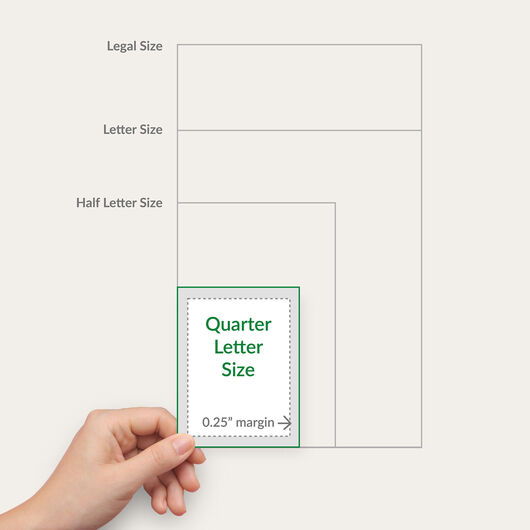




- 4 standard business form sizes plus custom sizes
- Available in 2-part, 3-part, or 4-part sets
- Printed on white, canary, pink, or kraft paper
- Sequential numbering optional
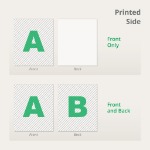
- Front-only or double-sided printing
- Optional wrap-around covers (250+ quantities)
Carbonless Forms
Features
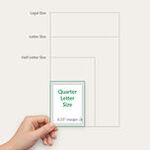
- 4 standard business form sizes plus custom sizes
- Available in 2-part, 3-part, or 4-part sets
- Printed on white, canary, pink, or kraft paper
- Sequential numbering optional
- Front-only or double-sided printing
- Optional wrap-around covers (250+ quantities)
Carbonless Form Printing That Adds a Professional Touch
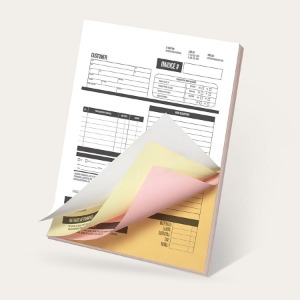
Seal the deal with custom-printed business forms that give customers the confidence to partner with you. Also known as carbon copy paper (CCP), carbonless forms are a type of document printed on multi-part NCR (no carbon required) paper to create multiple copies of handwritten content.
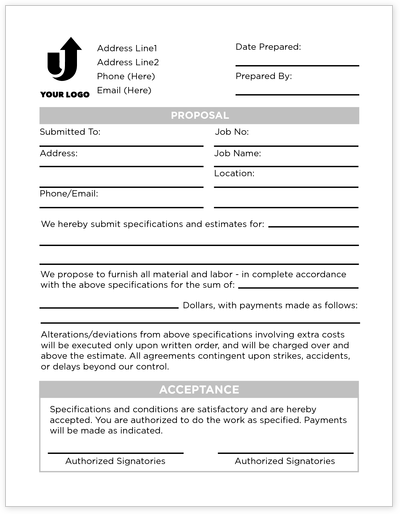
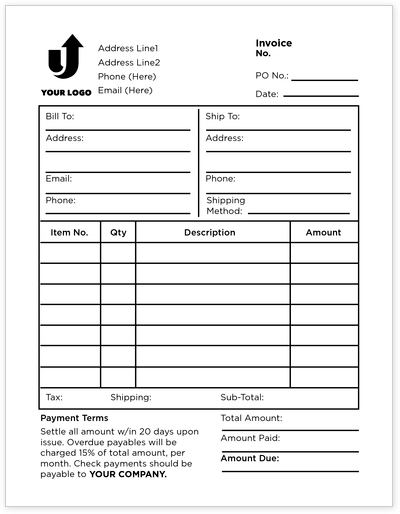
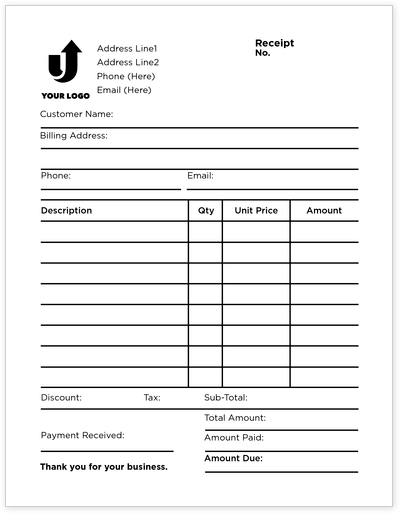
Streamline your documentation process using carbonless forms to keep track of business transactions. Whether for invoices, receipts, job orders, proposals, or other essential documents, these forms are sure to make transactions smoother, faster, and more efficient – resulting in better service and satisfied customers. Customize yours by uploading your file or create a design online using our user-friendly design tool and pre-made templates.
Wide Variety of Sets for Various Business Forms
We print your carbonless forms on 20 lb. paper that has the same lightweight and smooth writability as copy paper. The number indicates the available number of forms per set:
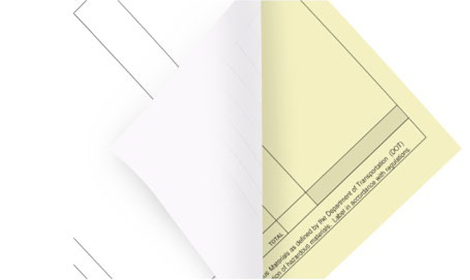
2-Part Set
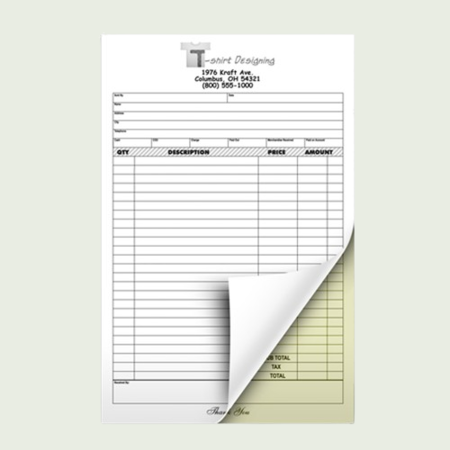
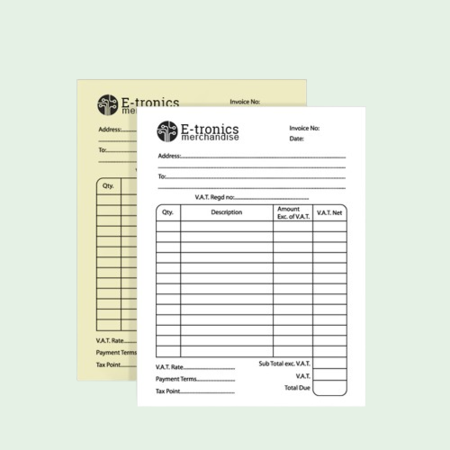
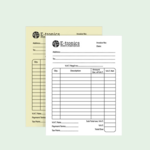
contains a yellow form as the extra copy.

3-Part Set
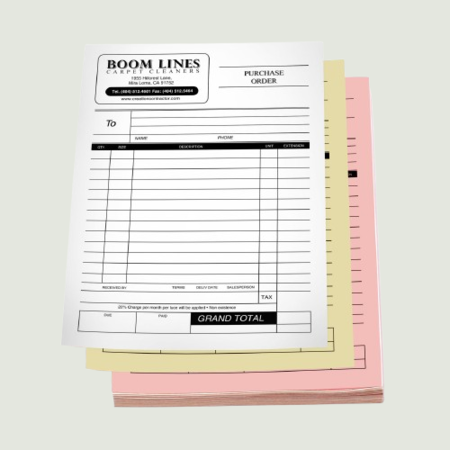
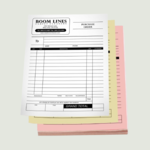
gives you two more copies of the original document on a yellow and a pink form.

4-Part Set
provides three more copies of the white form on yellow, pink, and gold forms.
Customize Your Carbonless Forms With Ease
Use these features to distinguish your custom carbonless forms.
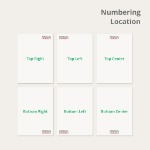
Keep things on track with sequential numbering.
Adding this feature helps streamline records for data monitoring and record keeping. You can place up to 5 digits. A great alternative to carbon copy invoices for less mess.
A glued edge determines how the set will unfold.
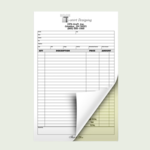
We apply clear glue on any of the following edges on the form: top, left, right, and bottom. This keeps all the copies together for quick reference and tearing out.
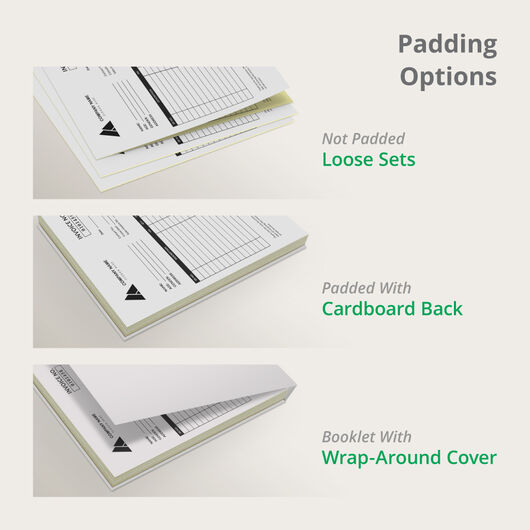
Combine multiple sets with our padding options.
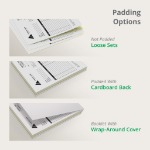
Padding glues together 25 to 50 sets in one pad either with a cardboard back or wrap-around cover (your choice).
- Padded With Cardboard Back uses a chipboard to support several sets glued together. The backing lets you flip through the set and provides support for the entire pad.
- Booklet With Wrap-around Cover that goes around from the back to the front of the pad. You can also place the cover between sets to prevent marking from separate forms.
If you select the “Not Padded (Loose Sets)” option, your carbonless forms will arrive loose and separated from one another.
Get in touch with us today and make the most out of our carbonless form printing services. Use our available templates to start customizing your own NCR form. You can also upload a file on our online calculator. Be sure to select our free file check offer so you can review everything before printing.
Custom Carbonless Forms FAQs
Carbonless forms are also known as no carbon required (NCR) forms. Without the use of carbon copy papers, they make duplicate copies of a handwritten or type document without the mess. Microcapsules of ink in each sheet transfer the original imprint.
A customized carbonless form gives customers a professional impression of your business. The business forms you hand out are less likely to appear generic and like other companies.
On our online calculator, you can select your preferred printing time. Expect your order to be ready in 4 business days.
The printing time does not include shipping to your address. Select the “Estimate Shipping Cost and Delivery Date” link to find out your order's arrival.
Our printing turnaround time is six (6) business days. To get an estimate of your delivery date, click the Estimate Shipping & Delivery link and enter your ZIP code.
On our online calculator, you can specify the number of sets and the set quantity per pad. Dividing the number of sets by the number of sets per pad gives you the total amount of pads. For example, choosing 250 sets and 25 sets per pad will yield 10 pads. If you select 2500 sets and 50 sets per pad, you'll end up with 50 pads.
Yes, you can. We offer padding options so that you can combine 25 to 50 sets in one pad. Choose from not padded if you want loose sets, padded with cardboard back, or booklet with wrap-around cover.
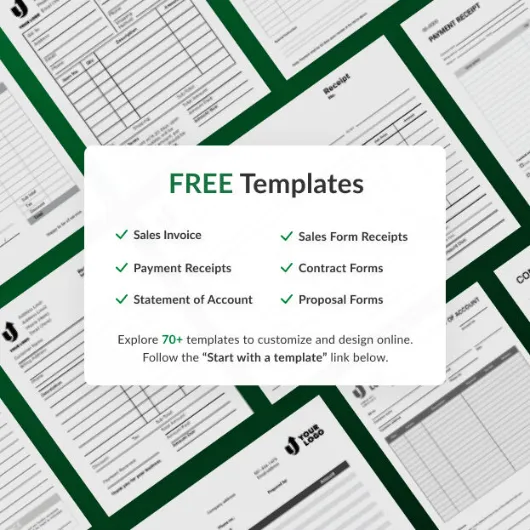
Yes, we do. We offer a broad range of design templates for various types of business forms.
To customize your carbonless forms, you would need your business name, logo, contact information, form title, and form fields.
No, they are not. Carbonless forms are not designed to be printed on. To ensure copies are transferred to the next sheet, you need to handwrite or mechanically type on it.
Our minimum order quantity is 25 sets per pad.
Use 10–12 pt font for body text and 14 pt or larger for headings. Avoid very small fonts and remember that small text may not transfer clearly to the bottom sheets.No. These notepads are glued along the top edge and do not have an adhesive back like sticky notes.
Use a clear layout with enough spacing and 10–12 pt body text. If possible, test by handwriting on a sample layout to confirm readability and spacing.
Use a ballpoint pen and apply firm, even pressure. Forms with thicker stacks may require more pressure to ensure clear copies.
Store forms in a cool, dry place away from sunlight and humidity. Use folders, binders, or labeled envelopes to keep copies organized.
Free Carbonless Forms Design Templates
Follow these simple steps to customize your carbonless forms with our free design templates below:
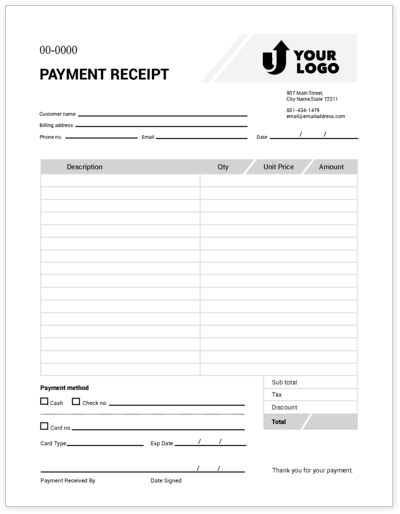
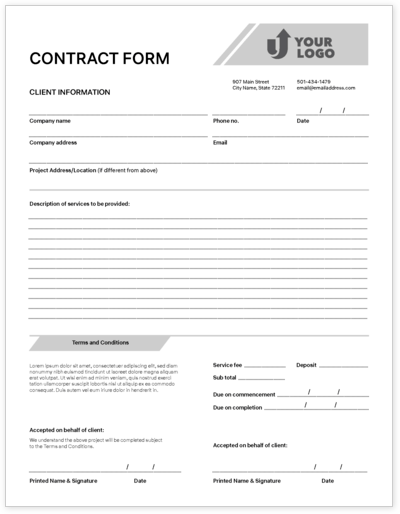

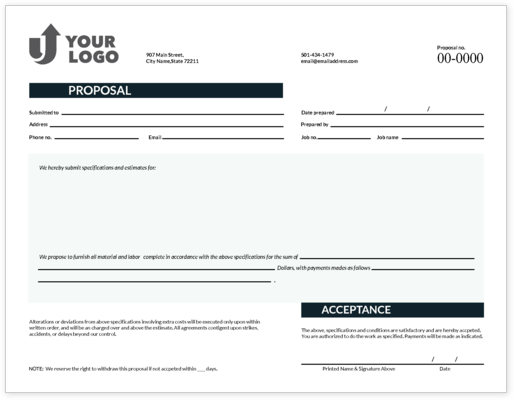

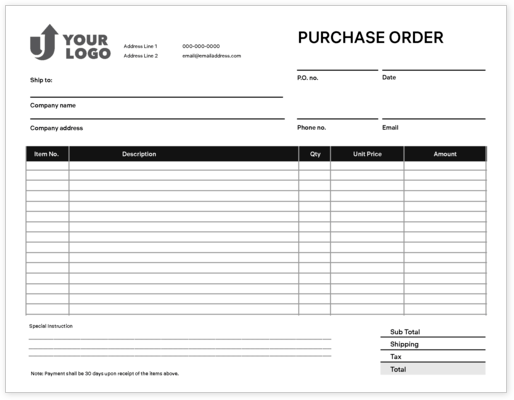
Size. Color. Material. It's all here, and more.
3 Paper/Stock Options

2-Part Carbonless
- White/Yellow
- 20 lb. uncoated paper
- Writing or typing on the top form copies to all forms underneath
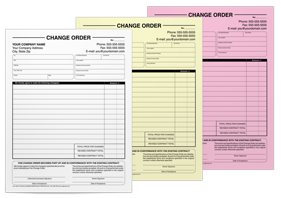
3-Part Carbonless
- White/Yellow/Pink
- 20 lb. uncoated paper
- Writing or typing on the top form copies to all forms underneath

4-Part Carbonless
- White/Yellow/Pink/Gold
- 20 lb. uncoated paper
- Writing or typing on the top form copies to all forms underneath