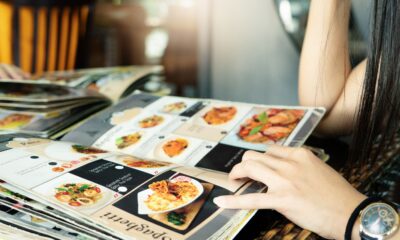
Running a busy cafe can be rewarding, but it also comes with its set of challenges. The long lines during peak hours can be hectic and overwhelming, especially as they lead to stressed customers and overwhelmed staff.
With the right signages, however, you can improve your café queueing system, avoid confusion, and provide customers with a smoother service overall. Read on as UPrinting shows exactly what signs to print, where to place them, and how each sign helps, so you can handle rush hour from the moment patrons enter your café and pick up their order.
How Do Long Café Lines Slow Down Business?
A packed café may be a sign of business doing well and can seem like a “good” problem, but consistently having to manage inefficient queues can create a toxic environment not just for customers but for employees, too. Before we get down to the solutions, it’s important to understand how long lines can adversely affect your business. We list three possibilities that can slow down café lines:
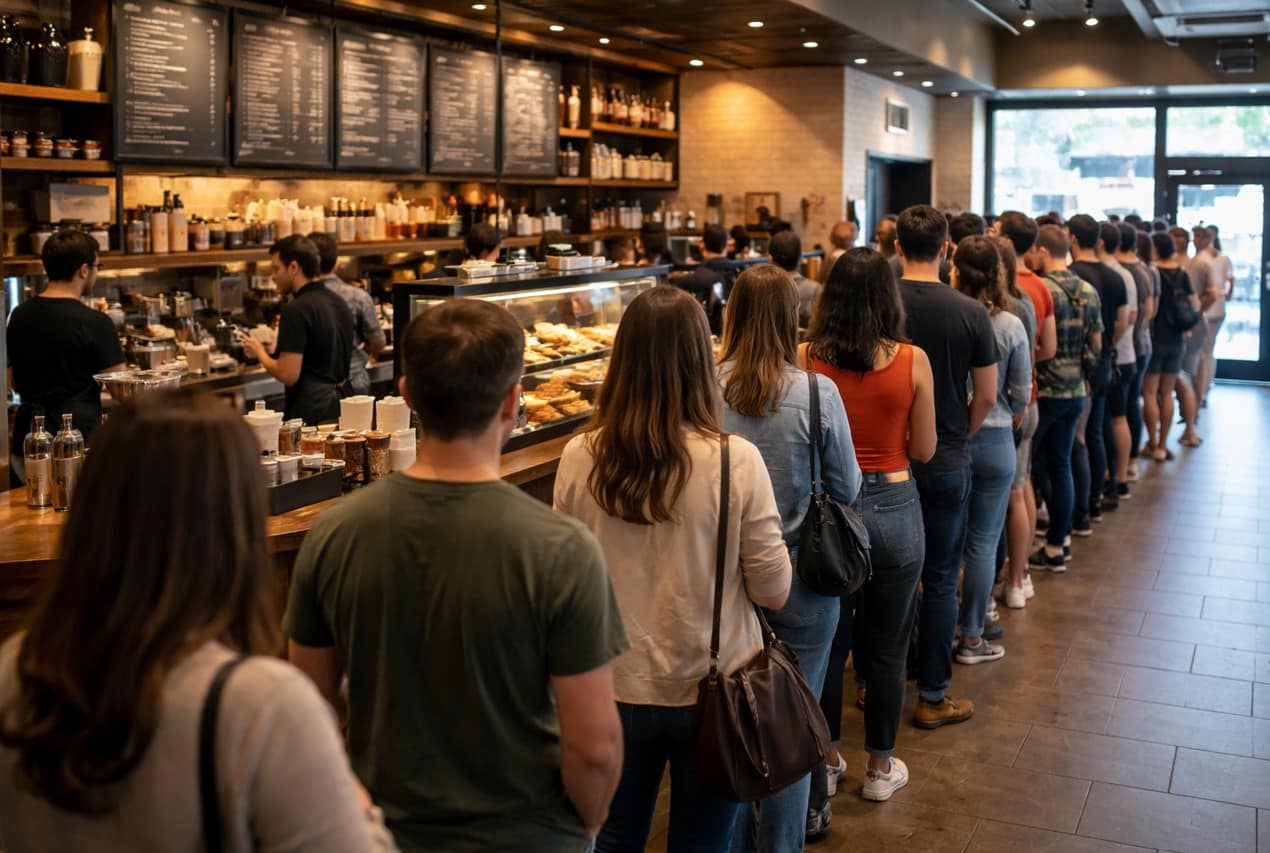
- Decision overload at the counter – While regulars usually come in knowing what they’ll have, some customers wait until they reach the counter before deciding what to order. Unfortunately, some people tend to get overwhelmed when faced with too many options, which in effect can hold up the line.
- Questions, special requests, and similar concerns – Customers in line sometimes require more details about your products while browsing the menu. They may ask questions about the ingredients, substitution (think milk options), and allergen information, and a series of back-and-forth can slow down the queue.
- Disorganized menus – If your menus are cluttered, hard to read, or lacking, customers will most likely require clarity or more information.
How Do Long Café Lines Slow Down Business?
A coordinated set of printed materials can help keep daily cafe operations running smoothly, provided that they are designed and positioned well. Here are four ways they can improve your café queues:
- They improve foot traffic. Signages and matching print products guide customers to your café’s entrance and designated areas such as where to order and where to pick up, improving foot traffic in your store.
- They help customers make decisions. By printing your full menu on custom signs, customers can easily make informed decisions before they reach the counter.
- They answer questions before the customers can even ask. Signs help answer all common questions and minimize confusion between customers and staff.
- They help staff manage orders. Putting up signs with information exclusive to the employees, such as bestsellers or products that recently ran out, keeps your staff informed and helps them prepare items (or responses) in advance.
10 Cafe Signage Ideas to Manage Café Lines
Ready to make peak hours stress-free? Here’s a list of print products to help you manage lines better:
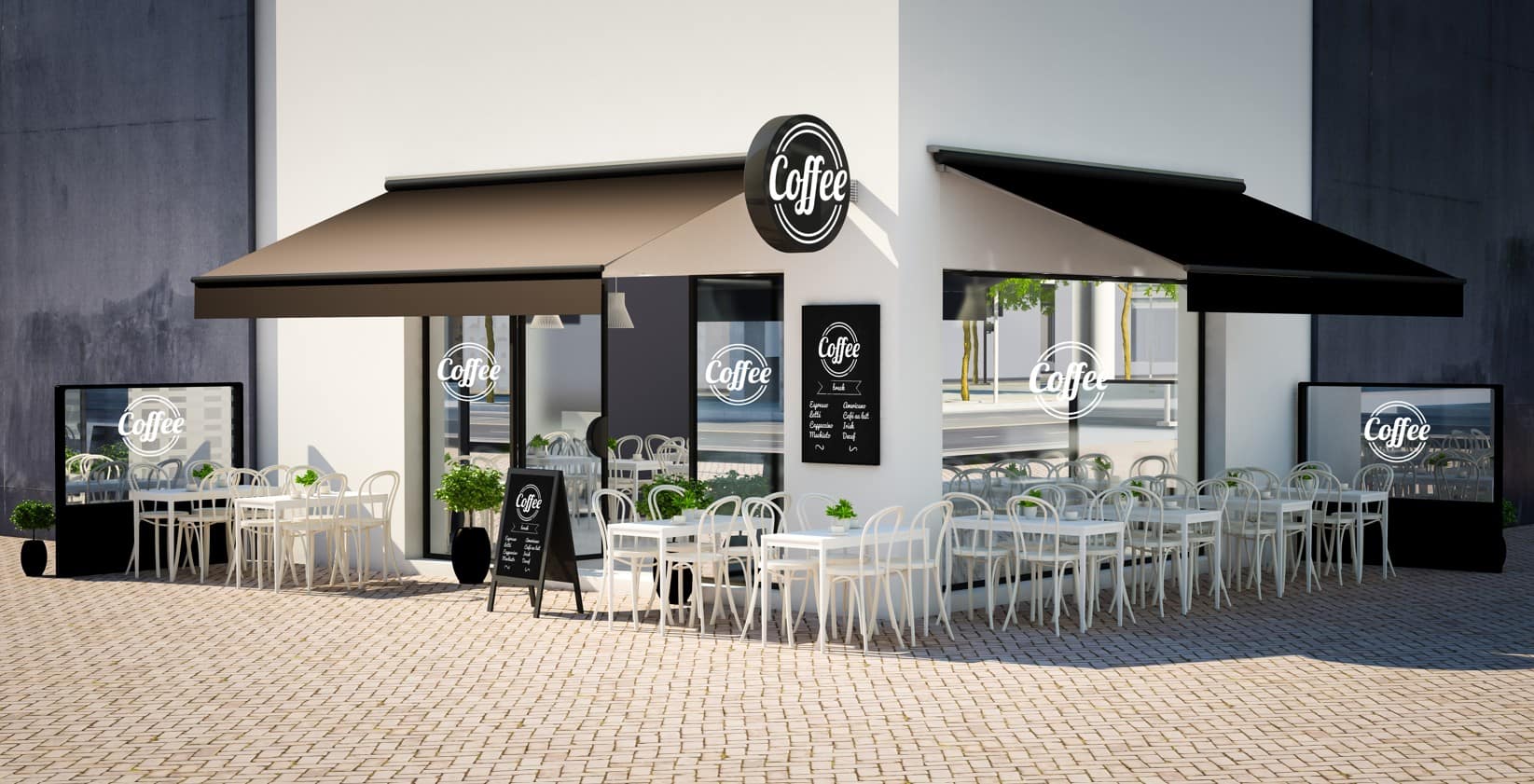
1. A-Frames
- What it is: A freestanding, durable sidewalk sign typically made of durable plastic, that displays promos or key instructions such as location information.
- Where to place it: By your cafe entrance or near the doorway.
- What it fixes: A-frame signs set expectations early and help customers reach a decision by the time they enter the door.
- Recommended size/finish: 24” x 36”, 4 mm coroplast with a fade-resistant finish for outdoor use.
- Tip: Use this sign as your first touchpoint to assist or instruct customers on what to do before they get to the counter.
- Sample copy: “Order at the Counter,” “Mobile Orders Pickup Inside”
2. Window Decals
- What it is: Static clings or adhesive vinyl decals that are applied to windows to provide information at a glance.
- Where to place it: Front windows or glass doors; position at eye level.
- What it fixes: Answers common questions before customers walk in or gives them an option to skip the line and order via app or a website, which saves them time.
- Recommended size/finish: Custom sizes, removable or permanent adhesive vinyl depending on how often you plan to update your messaging.
- Tip: Add a QR code and keep your copy simple, short, and readable. Most customers will be walking while reading your sign.
- Sample copy: “Scan for Menu”, Business Hours
3. Wall/Hanging/Poster Menus
- What it is: These are large-format signs that display your drinks, food, prices, and special offers in one clear view.
- Where to place it: Near the entrance, above or behind the counter, where customers can easily see your offerings.
- What it fixes: Reduces decision fatigue and prevents waiting until reaching the cashier to decide.
- Recommended size/finish: 18” x 24” or 24” x 36” with a matte coating to reduce glare from overhead lighting.
- Tip: Group your offerings by category and highlight bestsellers, or recommended combos depending on the time of the day, such as breakfast, lunch, dinner.
- Sample copy: Coffee | Non-Coffee | Pastries | Pastas | Sandwiches
4. Takeaway Menus and Handheld Menus
- What it is: Full printed menus that customers can look at as soon as they enter your cafe or while in line.
- Where to place it: Café entrance, host stand, register
- What it fixes: Lets customers review complete offerings while waiting, reducing decision time at checkout.
- Recommended size/finish: Bifold or trifold 8.5” x 11”, matte for a premium feel.
- Tip: Include a QR code inside that links to a page where they can either see your full menu or order online.
- Sample copy: Coffee | Tea | Pastries | Season’s Specials
5. Counter Cards
- What it is: Upright printed cards with a stand that displays short menus, specials, promos, or reminders.
- Where to place it: Beside the register or at each point of sale.
- What it fixes: Promotes limited-time offers, answers common questions, and helps last-minute decisions happen faster while customers are at the register.
- Recommended size/finish: 5.5” x 8.5”, white PVC board
- Tip: Keep the message and pricing clear and avoid design clutter.
- Sample copy: “Add a Freshly Baked Muffin for $2,” “Today Only!”
6. Pickup Signs
- What it is: Directional signs guiding customers who ordered online, through an app, or in-store where to collect their orders.
- Where to place it: Pickup counters, shelf area, near registers, designated mobile order area.
- What it fixes: Prevents staff interruptions and crowding, reduces confusion, and encourages quick handoffs.
- Recommended size/finish: Custom sizes of wooden signs for a cozy, rustic finish.
- Tip: Use simple, bold text so that the sign is readable from a distance.
- Sample copy: “Pickup Here,” “Claim Here,” “Pick Up Orders Here”, “Order Pickup Station.”
7. Floor Decals
- What it is: Marks flow zones and helps customers navigate various areas in the cafe.
- Where to place it: On the floor at queue points, near pickup counters, ordering areas.
- What it fixes: Points people where to queue and reduces bottlenecks without staff intervention
- Recommended size/finish: Custom sizes, non-slip vinyl or aluminum decals.
- Tip: Leave about 3 feet of space between decals to pace the line during peak hours.
- Sample copy: “Start Line Here,” “Wait Here,” “Pickup This Way.”
8. Table Tents
- What it is: Printed tabletop displays promoting add-ons, seasonal offerings, instructions, or brand messaging.
- Where to place it: On café tables, communal seating areas, or window bars.
- What it fixes: Keeps customers informed about special items and QR ordering while they wait in line or dine.
- Recommended size/finish: 4.25” x 6”, lightweight yet sturdy cardstock.
- Tip: Rotate content to keep messaging fresh and relevant.
- Sample copy: “Scan for Our Full Menu,” Free Wi-Fi”
9. Stickers and Labels
- What it is: Stickers and labels help guide customers, organize orders, and keep pickup areas running smoothly.
- Where to place it: On counters, card readers, pickup shelves, packaging, prep stations.
- What it fixes: Reduces repeated questions, prevents order mistakes, and makes the pickup process faster.
- Recommended size/finish: 2” x 2”, 2” x 3”, 3” x 3”; removable adhesive vinyl for instructions and matte paper or BOPP labels for cups and packaging.
- Tip: Place stickers at key decision points and labels on grab-and-go items.
- Sample copy: “Order First → Pay Here,” “Pickup Orders Here,” “Name: _____ Drink: _____.”
10. Flyers
- What it is: Compact, lightweight takeaway flyers that show menus, promos, or QR codes.
- Where to place it: At the counter, window stands, or host station.
- What it fixes: Gives customers a preview while in line or lets them take a menu for home delivery or future orders.
- Recommended size/finish: 8.5” x 11”, glossy or matte, depending on your brand vibe.
- Tip: Include a loyalty QR code to encourage repeat visits.
- Sample copy: “Scan to See Our Promos,” “Visit Our Website.”
Checklist: Quick Print Setup for Peak Hours
For immediate results, start with our quick checklist:
- A-Frames and poster menus at the entrance
- Window decals to skip the line
- Counter cards at registers
- Pickup signs for mobile orders
- Table tents for upsells
- Floor decals for queue flow
- QR code stickers for seamless ordering
- Takeaway and handheld menus for quick decision-making
- Flyers for home delivery or future orders
Café lines move faster when customers know what to do or order before reaching the counter. With the right print products, you can prevent bottlenecks, help customers make faster decisions, keep lines moving, and better manage peak hours. You can start by choosing about 3-5 print essentials and build your setup from there.