




- Turnaround options from 1–6 business days
Custom Product Builder
 Offset
  Signs
Signs Features
- Turnaround options from 1–6 business days
Explore the Limitless Possibilities of Custom Printing
Looking for a specific combination in the size, shape, and material of your printed promotions? Need an exact quote for your custom job? Our custom printing page offers a wide variety of choices for small and large marketing collaterals. Combine several width and height measurements, choose from cardstock and paper options, or add folding or scoring to brochures to create the brochure, flyer, or poster you have in mind. You can also create vinyl or fabric banner signs in your choice of size and finish. Print in 1-4 business days, depending on how soon you need the order. Not sure where to begin? Here’s a guide on maximizing what’s available.
How to Customize Large to Small Scale Print Products
Follow these steps to create the custom printing product you need for every kind of promotion:
Order an offset printing or sign product.
- Offset printing is the technique used to transfer an inked image from a plate to a rubber blanket, and then onto the printing surface. It ensures high-quality output for large quantities. It is the method used for bulk printing orders such as brochures, flyers, posters, postcards, and business cards.
- Sign printing is for larger format displays such as banners, window clings, yard signs, plastic signs, flags, and magnets. The sign you print will depend on the material and the size.
Combine width and length specs that will garner attention at a glance. Widths start from 2” up to 26”. Heights also go from 2” to as tall as 18”. If you want to see how the final design will appear before it’s printed, select “Wait – I want to receive and approve a free PDF proof” after uploading your file.
You can also use our online design tool to load a blank canvas in the size selected.
Print on sturdy paper or cardstock to showcase the reliability or luxury of your brand. Promoting a new product line or a store opening to a bigger audience? Let customers feel they can trust your company with thick paper or cardstock. Coat paper with elegant matte or gloss finishes highlighting the premium quality of your items. Below are the sturdiest options available for paper and cardstock:
- 80 lb. paper has a similar feel to a magazine cover. It’s slightly thicker than standard paper and comes in gloss or matte coating to protect the surface.
- 100 lb. paper is a little thicker than most magazine covers but a little thinner than cardstock. Recommended for brochures, flyers, and other promotions customers can keep on hand.
- 14 pt. cardstock is the standard material used for business cards. It can withstand multiple handling and comes in coatings that protect it from fingerprints.
- 16 pt. cardstock is slightly thicker than the 14 pt. Recommended for business cards or other promotional tools handed out to VIP clients. It gives them the impression you value their business, while also putting your best “face” forward in introducing yourself.
- 17 pt. cardstock is the most rigid cardstock available and comes in an uncoated, writable surface. It has the most upscale vibe and the elegant texture gives it that extra high-end feel.
Print a set of cut-to-size stickers or labels to display indoors. Need a set of individual labels to quickly apply on your products? Order 70 lb. label in matte, gloss, or high-gloss UV so that your item and company name are easy to read from a glance.
Signs come in the following materials, depending on how they’re displayed:
- For paper signs: semi or high gloss that suit temporary displays in frames or inside the store.
- Vinyl in standard 13 oz., 15 oz, or 9 oz. mesh that lasts outdoors. The mesh is built to withstand wind, while the 13 and 15 oz. last years on display outside.
- Static cling or perforated adhesive vinyl for window clings. The removable structure makes it perfect for temporary signs and for reapplying in other areas.
- Magnetic stock for placing on your car while it’s making deliveries.
- Canvas for high-resolution photos or artwork displays.
- Adhesive fabric for displays on walls and other interiors.
For more information on the paper types available, check out the Paper & Specs tab.
Special Custom Printing Services to Elevate Your Advertising
For marketing materials like brochures, flyers, and postcards, you can add the following special features to further your customization:
- Folds that range from 2-, 3-, to 4-panel folds. Note that certain folds like an accordion, double gate and parallel, and the roll fold only come scored or show the markers for folding
- Perforation to set apart a special discount or coupon customers can use on their next purchase. It also works for correspondences on return forms.
- Rounded corners to make the corners of your postcard or business card sleeker.
- Hole drilling in 1/8”, 3/16”, and ¼” diameters if you need to bind the information with rings. You can also add them to hang tags or anything that will be displayed similarly.
Custom Printing FAQs
You can upload a file in PDF, TIFF, JPEG, EPS, PUB, or PSD format. Select “Upload Your File & Order Now” at the bottom of the online calculator to send us the file.
You can also create a design online with the tool. After choosing “Create Your Design Online,” a blank file will load based on your indicated specs. The intuitive menu lets you add text, combine colors, and upload images. All can be done straight from your browser.
Yes, large format printing is applied to sign orders. This method prints digital files or fine art prints with colored inkjet printers, enabling mass production or a high-quality reproduction of your artwork.
Yes, select “Wait - I want to receive and approve a free PDF proof” after uploading your file. This ensures you can view, make changes, and give us the go signal for production upon your approval.
The online calculator will show the total printing cost upon entering your order specs.
To find out how soon you can receive the custom order, select “Estimate Shipping & Delivery” at the bottom of the calculator. Input your ZIP code in the pop-up window to generate several arrival dates and corresponding transit periods.
Pickup is available for free if you live in Los Angeles. The estimated pickup date will also appear based on your ZIP code.
You may notice slight differences between the colors displayed on your screen and the final printed piece. This occurs because computer screens use RGB color mode, which is optimized for digital displays, while printed materials use CMYK color mode, where ink is absorbed into paper and colors often appear less vibrant. Before printing, all RGB colors are automatically converted to CMYK during prepress, which can result in minor color shifts. While your printed product will closely resemble your on-screen design, small variations are normal. For the most accurate results, we recommend preparing your file in CMYK and requesting a printed proof whenever possible.
Additional factors that can affect color appearance include the following:
- Printer variability. Different printers, inks, and paper stocks can produce slightly different results.
- Monitor settings. Screen brightness, contrast, and calibration influence how colors appear on your display.
How to Ensure the Most Accurate Colors When Printing
- Design in CMYK. Convert your file to CMYK before submitting it for print.
- Calibrate your monitor. Use color-calibration tools to achieve more accurate on-screen color.
- Request a proof. A printed proof allows you to preview colors before full production.
- Use ICC profiles. These help align your design software with your printer’s color output.
- Look and Feel: Smooth, non-reflective, elegant
- Pros:
- Easy to read in all lighting (no glare)
- Professional, minimalist aesthetic
- Resistant to fingerprints - Cons:
- Colors may appear muted compared to gloss
- Less vibrant for photo-heavy designs
- Look and Feel: Soft Sheen, Slightly reflective, vibrant
- Pros:
- Colors appear richer and more saturated
- Ideal for images, logos, and bold designs
- Adds a polished, eye-catching effect - Cons:
- Can show fingerprints and smudges
- Glare may reduce text readability in bright light
- Look and Feel: Extra protective layer; available in matte, gloss, or soft-touch (velvety)
- Pros:
- Increased durability — resists scratches, dirt, and fading
- Soft-touch laminate adds a premium texture
- Extends product lifespan - Cons:
- Slightly more expensive
- Heavier feel may not suit all products
Printing requires higher precision than digital screens as what looks fine on a monitor can blur or pixelate in print if not properly prepared. To achieve crisp, professional results, focus on resolution, file setup, and design choices.
- Ensure all images are at least 300 dpi for sharp, detailed printing.
- Use vector logos where possible. Use vector formats (AI, EPS, SVG, PDF) for logos and graphics to maintain clarity at any size.
- Design your file in CMYK color mode or convert RGB files to CMYK before sending to your printer.
- Embed or outline fonts to prevent substitution or formatting issues.
- Add a 0.125" (1/8") bleed beyond the trim edge, and keep important text/images within the safe zone to avoid being cut off.
- Always review a digital proof before approving the final run.
- Do a manual print check. Download the proof file and print it at 100% scale (set page scaling to “none”).
- Review readability, spacing, and margins in real size.
- Durability. Strong and sturdy, with added protection against scratches, moisture, and fading.
- Texture. Soft-touch laminate provides a velvety, smooth feel that stands out from standard finishes.
- Brand Impression. Often associated with luxury branding, these cards leave a lasting impression on clients.
- Balance. Combines durability with a premium tactile experience, making them ideal for professionals who want their cards to feel substantial and refined
Choosing the right paper weight or material depends on the purpose of your print piece, durability needs, and desired finish. Heavier cardstocks like 14 pt. to 16 pt. variants are ideal for business cards, postcards, and covers, while lighter paper stocks like 80 lb. and100 lb. paper are great for flyers or brochures. When designing prints, consider the finish, such as matte, gloss, or uncoated, based on the look and feel you want to achieve.
- Use legible font sizes (between 10 pt. and 12 pt. for body text)
- Use high-resolution images (at least 300 dpi).
- QR codes should be at least 0.8 x 0.8 inches, with the dark dots set on a light background so that it remains scannable. If you need to create a QR code, we also have a QR generator available in our free design tool on our website.
- Always review your proof at 100% size to check clarity.
Choose thicker paper stocks like 16 pt or soft-touch laminated options for added durability. Heavier stocks provide a more substantial and professional feel.
Upload images at 300 dpi and keep text at least 10–12 pt. Always review your proof at 100% to check clarity before ordering.
Size. Color. Material. It's all here, and more.
22 Paper/Stock Options
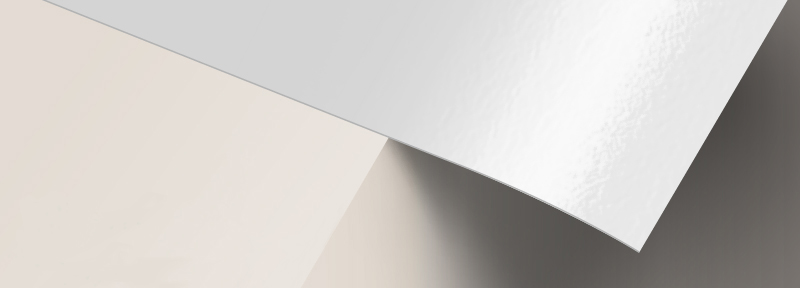
100 lb. Paper Gloss
- Fine quality and smooth textured paper that is thicker than the standard magazine paper
- Foldable and easy to keep for future reference
- Gloss coating comes with a shiny finish and prints colors in vivid detail
- Has a fade-resistant surface
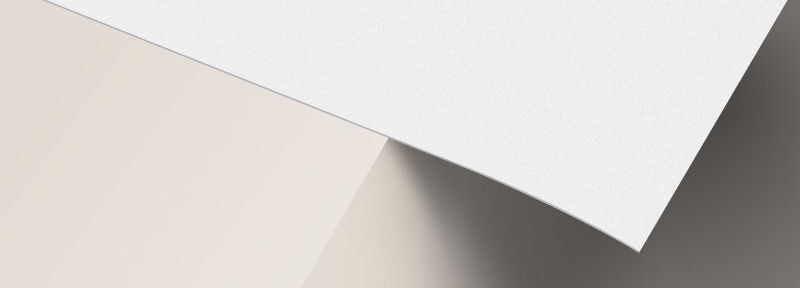
100 lb. Paper Matte
- Fine quality and smooth textured paper that is thicker than the standard magazine paper
- Foldable and easy to keep for future reference
- Matte coating has a non-gloss finish that suits soft colors and text-based designs
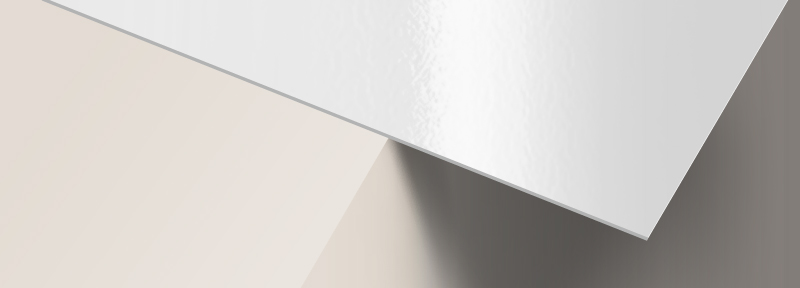
10 pt. Cardstock Gloss
- Lightweight cardstock with a gloss finish for sheen and vibrant colors
- Requires scoring prior to folding
- Paper from sustainable sources
- May be written on but testing is recommended
- Ballpoint pens (oil-based ink) and permanent markers work best
- Great choice for heftier Brochures, Invitations and Catalog Covers
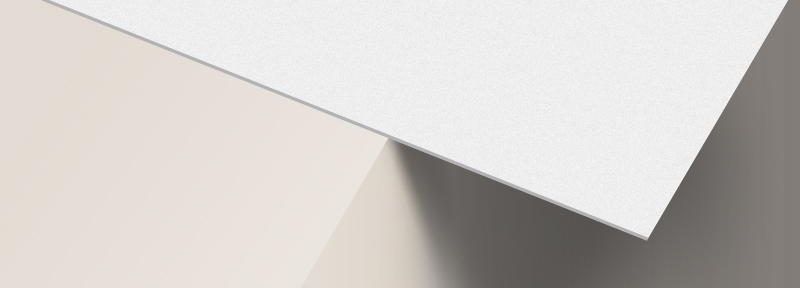
10 pt. Cardstock Matte
- Lightweight cardstock with a non-reflective matte finish for a classic and elegant feel
- Requires scoring prior to folding
- Paper from sustainable sources
- May be written on but testing is advised
- Ballpoint pens (oil-based ink) and permanent markers work best
- Great choice for heftier Brochures, Invitations and Catalog Covers

14 pt. Cardstock Uncoated
- Requires scoring prior to folding
- Excellent writability
- Recommended for Appointment Cards, Invitations and Note Cards
- Acid free and archival quality
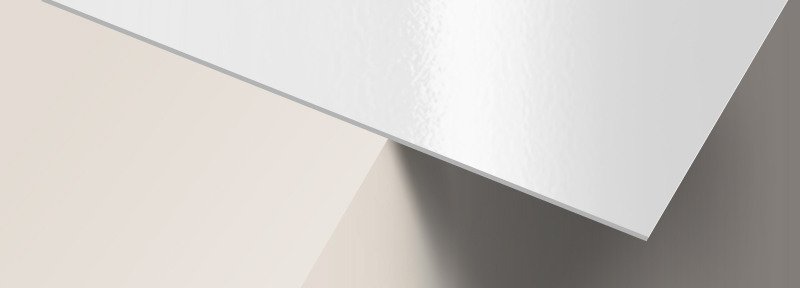
14 pt. Cardstock Gloss
- Stiff, thick cardstock with a gloss finish for sheen and vibrant colors
- Aqueous (water-based) coating adds scratch and scuff resistance
- Paper from sustainable sources
- May be written on but testing is recommended. Ballpoint pens (oil-based ink) and permanent markers work best.
- Most popular choice for Business Cards, Postcards, Hang Tags and Pocket Folders
- Note: We do not guarantee writability or printability of coated paper

14 pt. Cardstock Matte
- Stiff, thick cardstock with a non-reflective matte finish for a classic and elegant look
- Aqueous (water-based) coating adds scratch and scuff resistance
- Paper from sustainable sources
- Non-glossy surface provides better writability but testing is recommended.
- Ballpoint pens (oil-based ink) and permanent markers work best.
- Great choice for Business Cards, Postcards, Hang Tags and Pocket Folders
- Note: We do not guarantee writability or printability of coated paper
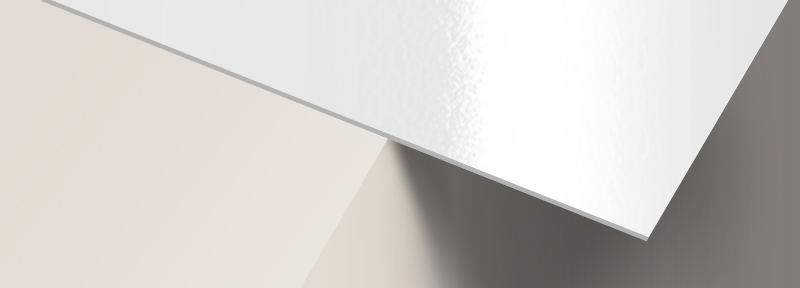
14 pt. Cardstock High Gloss (UV)
- Stiff, thick cardstock with UV gloss coating for a mirror-like finish
- Scratch and fade-resistant
- Paper from sustainable sources
- Permanent ink markers work best for writing given sufficient drying time
- Excellent choice for Business Cards, Postcards, Hang Tags and Club Card Flyers

70 lb. Label Matte
- Crack and peel paper sticker with an elegant non-reflective matte finish
- Features a permanent, all purpose adhesive back
- Can be written on with a permanent ink marker or ballpoint pen
- For indoor use only, not waterproof
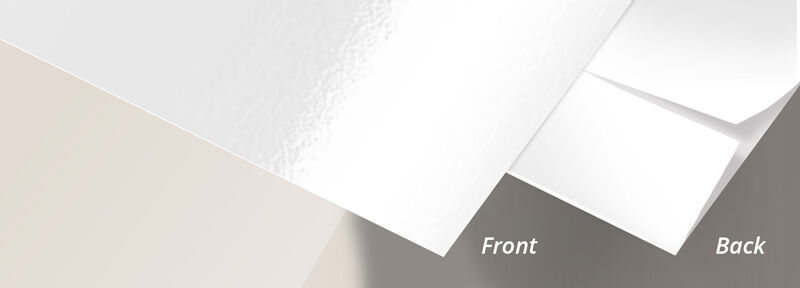
70 lb. Label High Gloss (UV)
- Crack and peel paper with a mirror gloss finish
- Features a permanent, all purpose adhesive back
- Permanent ink markers work best for writing given sufficient drying time
- For indoor use only, not waterproof
70 lb. Paper Uncoated
- Uncoated for excellent writability and printability
- Tactile paper feel
- Paper from sustainable sources
- Best choice for Letterhead, Envelopes and marketing materials that have sections for forms
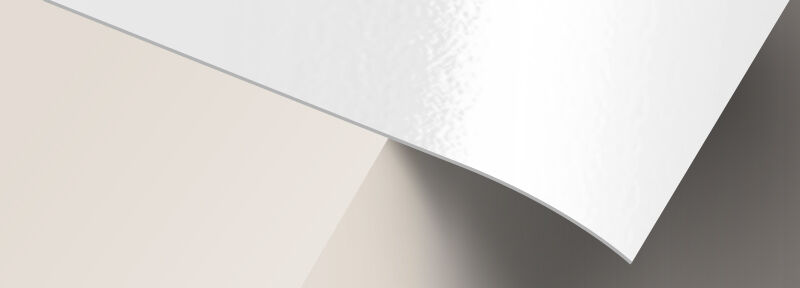
High Gloss
- HP premium photo paper with a mirror gloss finish
- Ideal for indoor graphics, signs and presentations
- Excellent image reproduction
- For indoor use only

Semi Gloss
- Thick HP premium photo paper with a soft sheen
- Ideal for indoor graphics, signs and presentations
- Excellent image reproduction
- For indoor use only

Opaque Static Cling
- Applies by static to glass and other smooth surfaces like plastic or metal
- No adhesive required
- Clings on both non-printed and printed side
- Removable, repositionable and reusable
- Great for window graphics and signs
- Note: Reusable only if non-printed side is applied to the glass
Adhesive Fabric
- High quality adhesive polyester fabric by PhotoTex
- Suitable for indoor and outdoor application
- Removable, repositionable and reusable
- Easy to apply. Does not rip or wrinkle.
- Can be applied over curved surfaces.
- Works great for wall decals, murals and floor graphics

80 lb. Paper Gloss
- Thick paper with a gloss finish for sheen and vibrant color
- 20% thinner and lighter than 100 lb. Paper
- Paper from sustainable sources
- May be written on but testing is recommended
- Ballpoint pens (oil-based ink) and permanent markers work best
- Affordable choice for Brochures, Flyers and Booklets

16 pt. Cardstock Matte
- Ultra thick and stiff cardstock with a non-reflective matte finish for a classic and elegant look
- Paper from sustainable sources
- May be written on but testing is recommended. Ballpoint pens (oil-based ink) and permanent markers work best.
- Excellent for heftier Business Cards
- Note: We do not guarantee writability or printability of coated paper
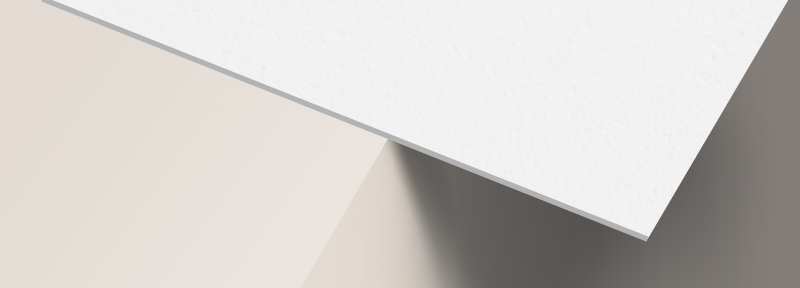
17 pt. Cardstock Uncoated
- Ultra thick and stiff uncoated cardstock with a rich premium paper feel
- Paper from sustainable sources, 10% PCW recycled content
- Excellent writability
- Great choice for heftier Business Cards
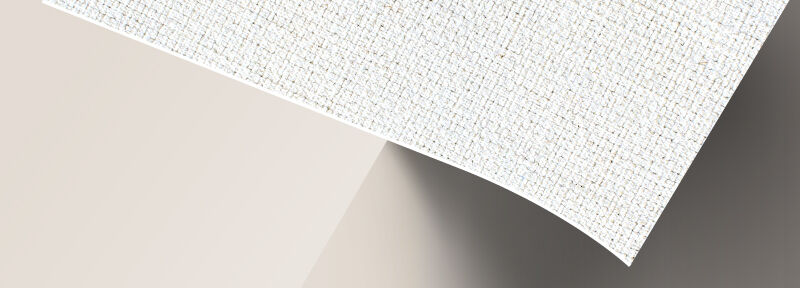
Artist Canvas
- Thick, high quality artist canvas with a matte finish
- Poly-cotton blend makes this canvas ultra durable
- Stretched canvas have eco-friendly protective satin coating
- Excellent for photo quality reproduction

Premium 15 oz. Vinyl
- Our strongest, smoothest and most versatile banner material
- Matte finish
- Lasts about 5 years outdoors, in temperatures as low as -22°F. Fungus resistant.
- Offers the ultimate tear-resistance. Tensile strength: 285 x 239 lbs/inch
- Great for high wind applications like outdoor banners, billboards and truck-side.
- Smooth surface also makes it ideal for indoor/outdoor display systems with full color images or finer detail that are viewed at close range.
30 pt. Magnet
- Attaches to most flat metal surfaces
- Repositionable, removable and reusable
- Excellent magnetic strength makes it ideal for use on vehicles and other outdoor applications
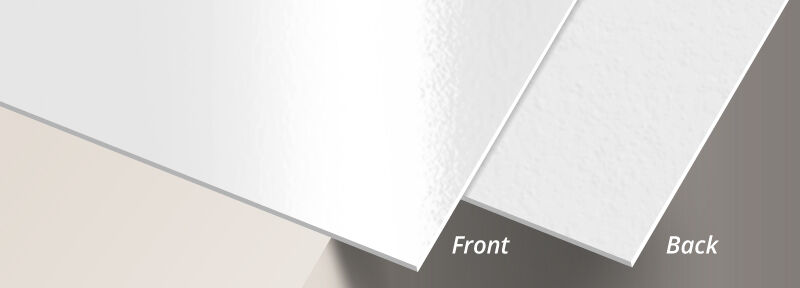
14 pt. Cardstock Gloss Front, Uncoated Back
- Medium weight cardstock with a gloss finish on the one side and uncoated on the reverse side
- Requires scoring prior to folding
- Paper from sustainable sources
- Uncoated side is excellent for writing on with any pen or pencil
- Best option for folded Greeting Cards, Invitations and Note Cards
About Hard Copy Proofs
UPrinting offers hard copy proofs for clients with color critical art. These color proofs are printed on our highly calibrated EPSON proofing system and are closest representation of the final printed pieces.
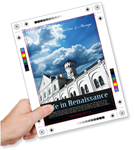
Hard Copy proofs are printed using Kodak Proofing Stock, which is different from the actual paper we will use when printing your order. While its main purpose is to show color, variations may occur depending on the finish selected (AQ, Matte, UV) for the final print job. We do not offer hard copy proofs for art that will be printed on uncoated paper.