
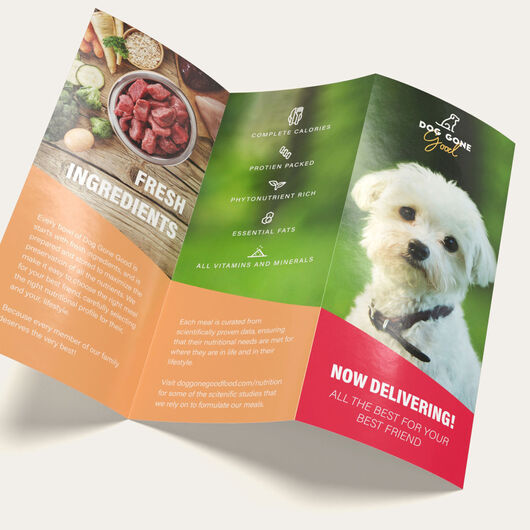


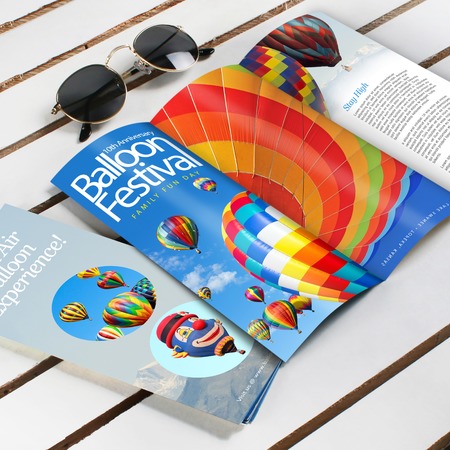


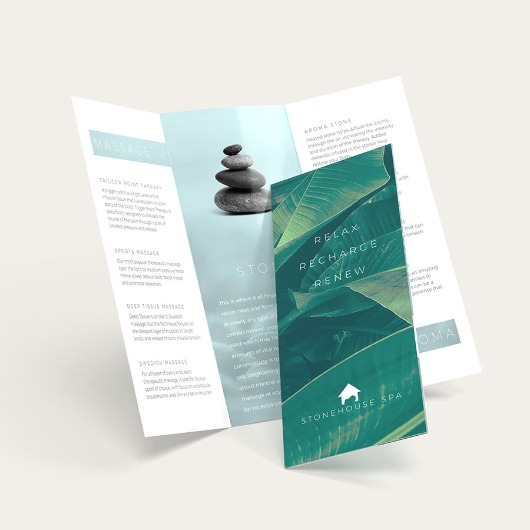
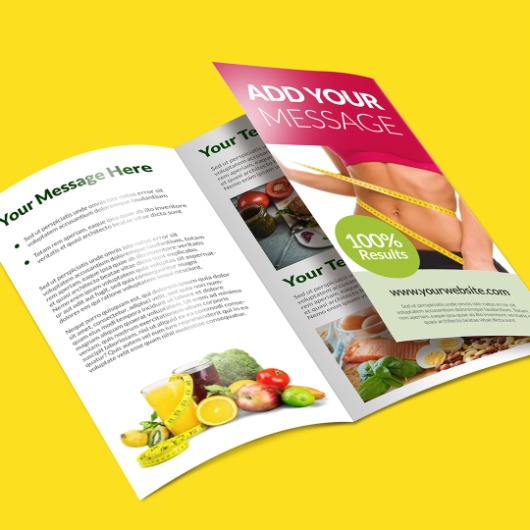







- 9 sizes, including 8.5" x 11" and 11" x 17" (unfolded), plus fully custom dimensions
- 10 common folds: tri-fold, half-fold, accordion, and more
- 8 paper stocks, from lightweight uncoated to premium cardstock, in gloss and matte
- Full-color printing with optional double-sided layouts
- Free digital proof before anything prints
- Direct mailing available (250+ qty.)
- Order quantities from 25 to 100,000
- Fast turnaround options available (1-3 days)
Brochures
Features
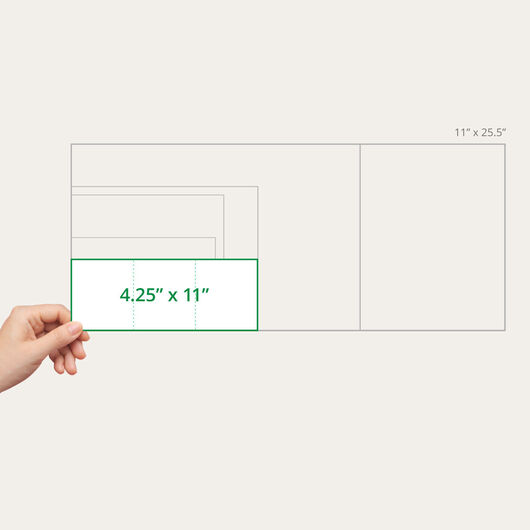
- 9 sizes, including 8.5" x 11" and 11" x 17" (unfolded), plus fully custom dimensions
- 10 common folds: tri-fold, half-fold, accordion, and more
- 8 paper stocks, from lightweight uncoated to premium cardstock, in gloss and matte
- Full-color printing with optional double-sided layouts
- Free digital proof before anything prints
- Direct mailing available (250+ qty.)
- Order quantities from 25 to 100,000
- Fast turnaround options available (1-3 days)
Brochures Folded Right, Printed Sharp
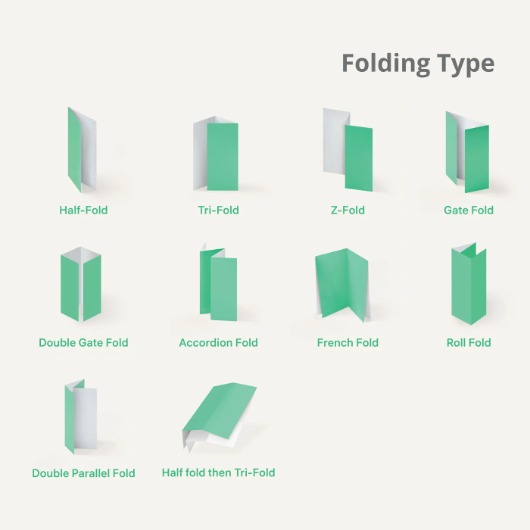
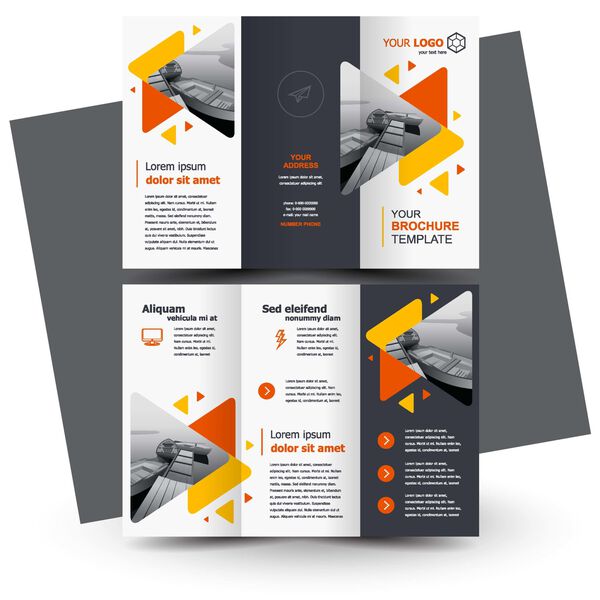
Choose from 10 different fold styles and eight types of paper to fit how you plan to use your brochure, whether it’s for a trade show, direct mail, or an in-store display. We review your file and send you a free digital proof before printing. Each order goes through a 33-point quality check for color, alignment, and resolution. If you’re unsure which fold to choose, our visual guide below shows what each style looks like both open and folded.
2-Panel Folds

Half Fold (Bi-Fold)
As its name indicates, this brochure contains two panels, folded once right down the middle. Clean and simple, with plenty of room for a short message. An excellent fit for programs, invitations, or anything that doesn't need much space.

Tri-Fold / Letter Fold
Our most popular fold. Two folds create three even panels that fit neatly into a standard envelope. A natural fit for general marketing, service overviews, or any brochure with a clear beginning, middle, and end.

Z-Fold
Instead of folding one panel over another, the Z-fold zigzags, so both outer panels are visible even when it's closed. Nice for step-by-step content or a before-and-after story.

Gate Fold
Two outer panels fold inward to meet in the middle, opening like a gate to reveal a larger panel underneath. A great choice for a single striking image or a big announcement.
4-Panel Folds
Four-panel folds are great for brochures with more to say, while keeping everything organized.
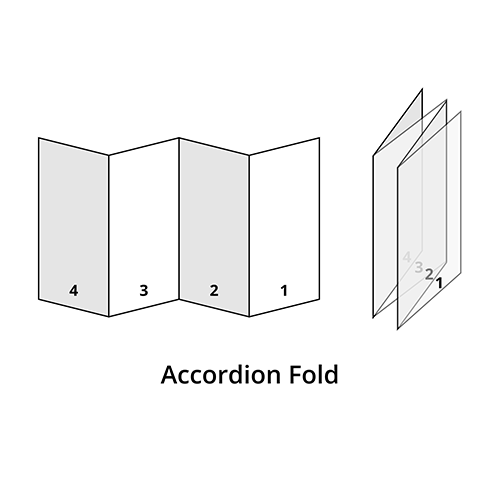
Accordion Fold
Zigzags into four equal panels that all open the same direction. Ideal for step-by-step guides or content meant to be read in sequence.

Double Gate Fold
Similar to a gate fold, but both sides stay fully closed rather than opening around a center panel, for a more formal, enclosed look.

Double Parallel Fold
Folded in half, then folded again in the same direction, for a compact final size that still gives you four panels.

French Fold
Folded in half vertically, then in half again horizontally, for a near-square finished piece. A popular fold for invitation-style brochures.

Roll Fold
The brochure is folded three times from right to left. Each panel is directed to fold toward the left.
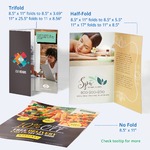
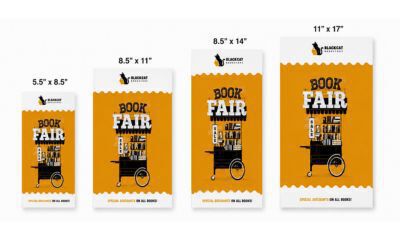
A quick note on sizing: the size you choose is your brochure's flat size before it's folded — not the finished size. An 8.5" x 11" sheet folded into a tri-fold, for example, becomes three panels a little over 3" wide each. If you have a specific finished size in mind, pick your fold first, then choose a flat size that gets you there.
Paper Options
- 100 lb. Gloss (our most popular choice) — Vivid color and a bit of shine. Great for photo-heavy designs and general marketing.
- 100 lb. Matte — The same great weight without the shine, for a softer, more elegant look.
- 80 lb. Gloss — A lighter-weight alternative to 100 lb. Gloss, with the same shine.
- 70 lb. Uncoated — Our lightest stock, with a natural, writable surface. A good choice for brochures with inserts or response card.
- 10 pt. Cardstock Gloss — Noticeably thicker and stiffer, closer to a greeting card. A nice choice when you want your brochure to feel more durable.
- 10 pt. Cardstock Matte — The same premium feel as our gloss cardstock, without the shine, and still easy to write on.
- 14 pt. Cardstock Gloss — Our thickest, most substantial paper, for a premium presentation piece.
- 14 pt. Cardstock Uncoated — The same substantial feel as 14 pt. Gloss, without the shine.
Choosing a cardstock? Heavier paper can show a bit more crease at the fold on multi-panel styles — ask us about scoring if you want the cleanest possible fold.
Printed Side, Bundling & Mailing Tabs
- Printed Side: Choose "Outside and Inside" to print every panel, front and back — our most popular option — or "Outside Only" for a simpler, cover-focused design.
- Bundling: Have a big order? Shrink-wrap your brochures into bundles of 50, 100, or 250 for easy distribution.
- Mailing Tabs: Mailing without an envelope? Add tabs to keep your brochure closed in transit — 2 tabs are required for mailing.
Not Sure Where to Start?
Most customers go with an 8.5" x 11" sheet, 100 lb. Gloss paper, and a tri-fold pattern. This is a versatile combination that works for almost anything, from trade show handouts to event programs.
Want more room for your message? 11" x 17" is our next most popular size. And if you're wondering whether to print both sides — nearly everyone does.
Ordering again? Stick with the same size, paper, and fold as last time for a consistent look order after order.
Brochure Printing FAQs
Yes — it's folded during production according to the style you choose, so it's ready to use as soon as it arrives.
The size you choose is your brochure's flat size before folding — not the finished size. An 8.5" x 11" sheet folded into a tri-fold, for example, results in three panels a little over 3" wide. If you have a specific finished size in mind, pick your fold first and size up from there.
Only if you're mailing without an envelope. Two tabs keep your brochure closed in transit and are required for that.
Tri-fold is our most popular choice for general marketing brochures. It's familiar to most readers and fits neatly into a standard envelope.
A gate fold opens like a gate to reveal a larger panel in the middle. A double gate fold folds the same way but stays fully closed, for a more formal, enclosed look.
Our 10 pt. and 14 pt. cardstocks have the most substantial, high-end feel. Heavier stock can show a bit more crease at the fold on multi-panel styles.
9 sizes, plus fully custom dimensions, and 10 fold styles — from a simple half-fold to a 6-panel design.
Choose 1, 2, or 3 business day production, depending on your timeline.
We recommend that you observe the following design best practices to achieve color accuracy for your brochure:
- Create your design file using the CMYK color mode, which is the appropriate color mode for printed materials. If you find that your design file is set to RGB, convert it to CMYK first before sending it to your printer.
- Use ICC color profiles when designing. These profiles help translate colors correctly between your screen and the printing press.
- Calibrate your monitor regularly. Screen brightness, contrast, and color settings can affect how colors appear during proofing and a calibrated monitor helps ensure your design's colors are as accurate as possible.
- Review digital proofs carefully. However, note that doing it using a an electronic screen means you're viewing it in an RGB environment, which is not an exact representation of the final printed color.
- Request a hard copy proof if you want to see how the colors will actually look. This printed sample of your artwork lets you verify the colors before the full print run.
Expect slight color variation between your screen and the final print. Screens display colors using light (RGB), while printed colors are created using ink (CMYK), which can appear slightly duller or darker.
We recommend that you observe these best practices to ensure that the images on your brochure come out sharp and clear.
- Use high-resolution images with a minimum of 300 dpi and text elements with a minimum 400 dpi. Note that images and text of higher dpi help improve image quality but they also increase the file size, which may affect transmission between you and your printer.
- Match image size to print size. Don't enlarge small images as scaling up can cause pixelation.
- Use original images whenever possible, rather than screenshots or images downloaded from the web.
- Export your design as print-ready PDF with high-quality or press-quality settings.
- Review proofs at 100% zoom — zooming in further can make sharp images look blurry on screen even though they'll print fine, so 100% is the truest preview of your final result.
Please be guided by the following reminders to minimize print defects on your brochure and achieve a professional print finish.
- Use high-quality, thick paper stock because these are less prone to cracking and tearing compared to thin, low-quality paper. You can rest assured that all of our paper stock and cardstocks are high-quality and deliver excellent print results.
- Brochures made with thicker cardstocks (10 pt. or higher) undergo scoring before folding. Scoring creates a crease in the paper for easier and more seamless folding and helps prevent the paper from cracking.
- Design folds carefully. Allow a safe margin near folds and avoid placing heavy ink or critical design elements along fold lines.
- Observe trim and bleed guidelines. Including proper bleeds and margins helps prevent smudging or misalignment. We require a 1/8" (0.125") bleed on all sides of your artwork and a 1/8" safe zone inside the trim line to ensure important elements are not cut off.
- Set your artwork or design to the final trim size before designing. For example, if your brochure is 8.5” x 11”, set your canvas to that exact size.
- Use proper bleed and margin settings. The bleed should typically extend 0.125” (1/8”) beyond the trim edge to prevent white borders, while important text and images should be kept at least 0.125” inside the trim line to avoid being cut off.
- Use print layout templates when possible. Brochure templates for bifold, trifold, or other fold types help maintain proper panel sizes and alignment.
- Export your file as a print-ready PDF, and make sure the PDF matches the dimensions of your final brochure.
- Pay attention to the layout. Avoid placing critical text or images directly on fold lines. Arrange content logically so panels flow well when opened.
- Check panel proportions. Ensure each panel is sized correctly for the fold type, especially if you're creating a trifold or Z-fold brochure.
- Print a test copy. Always do a test print on standard paper and fold it to verify alignment and content placement before approving the full print run.
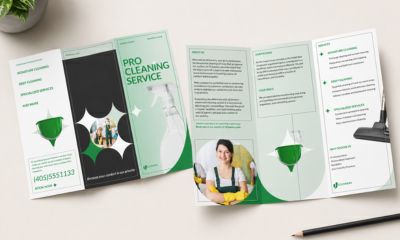
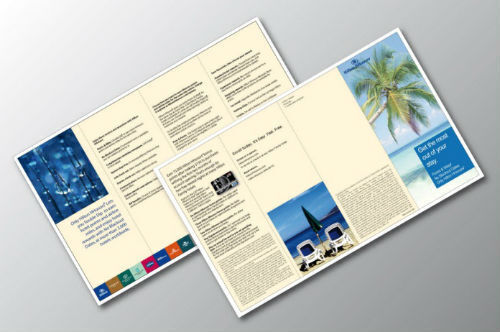
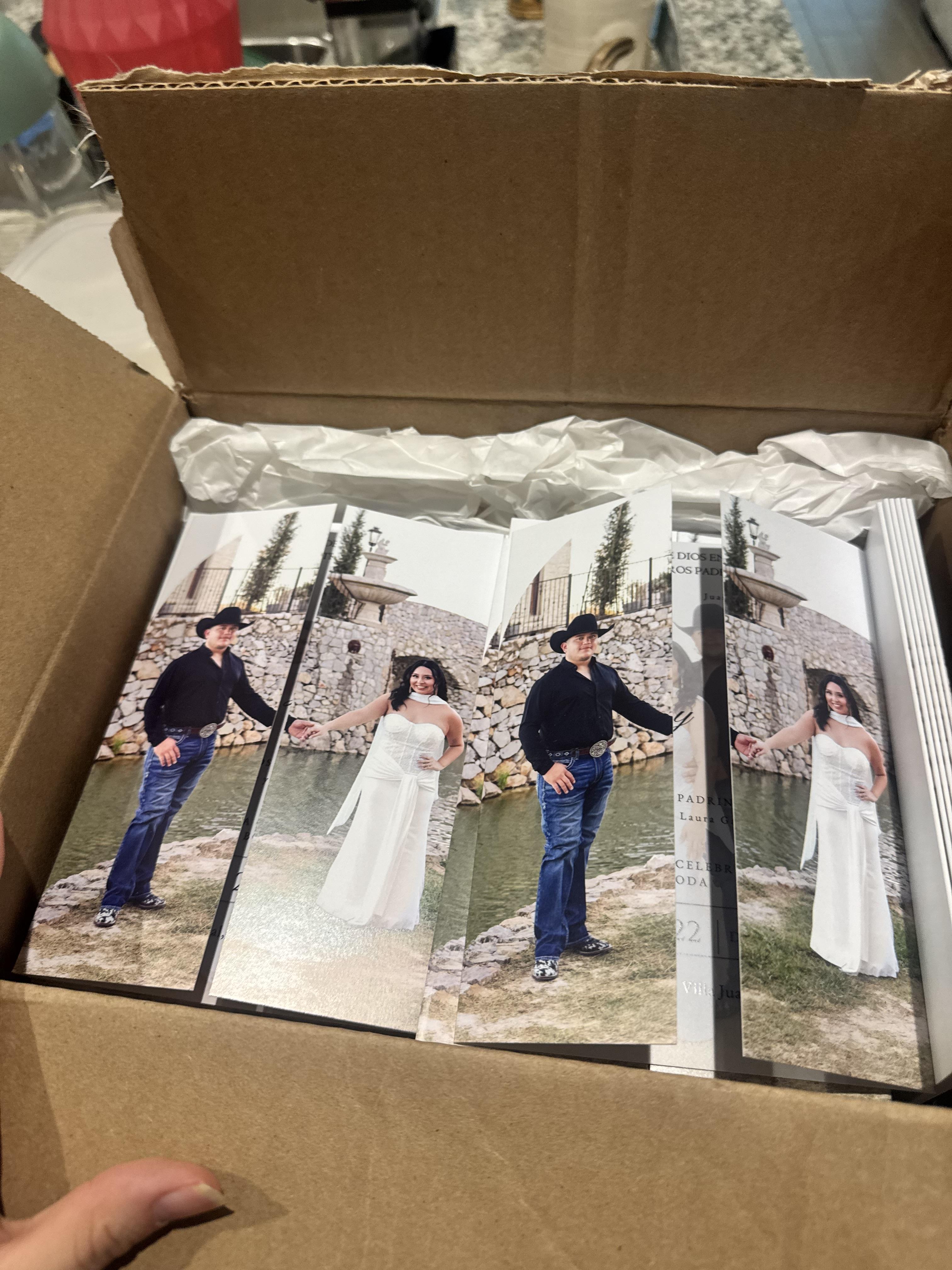
Reviews. See what our customers say.
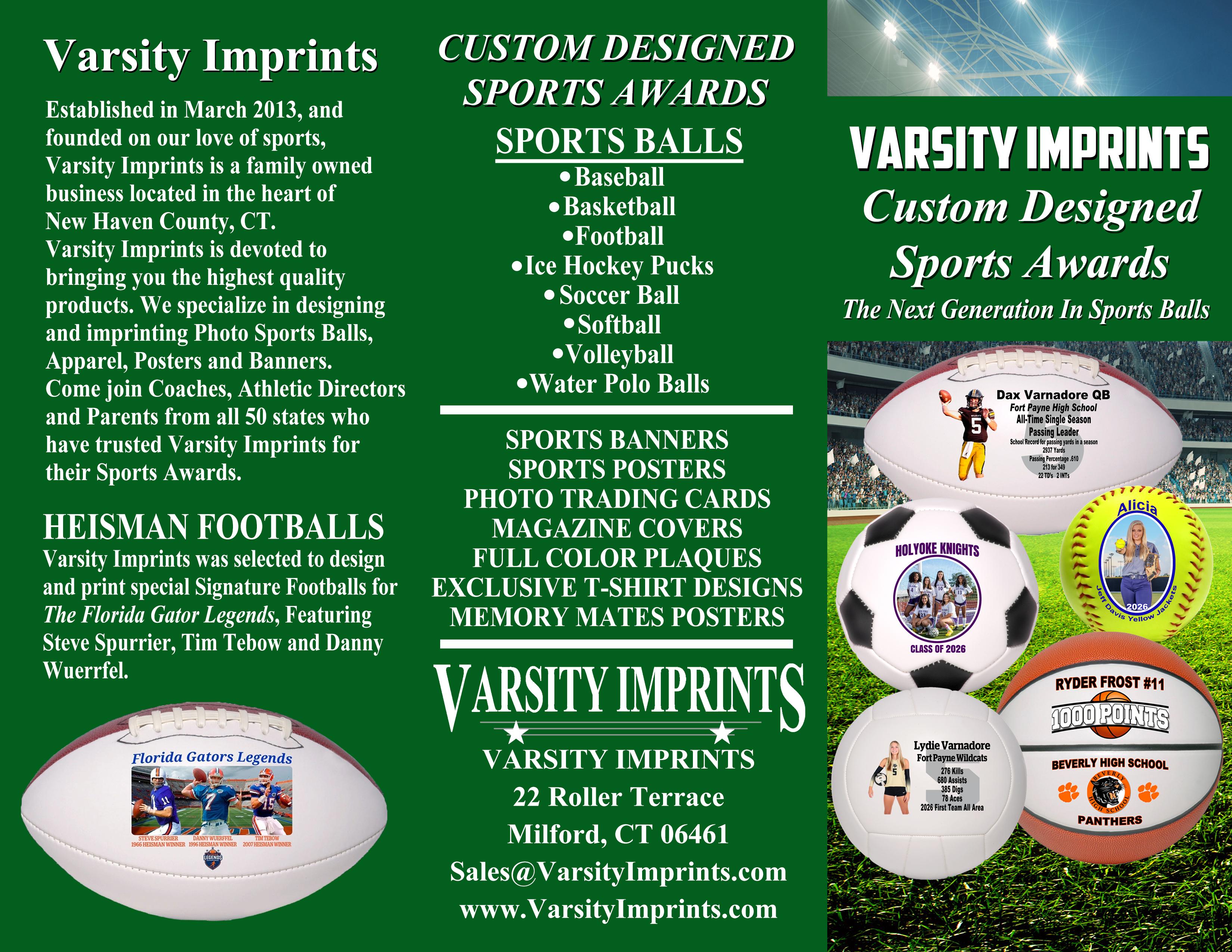
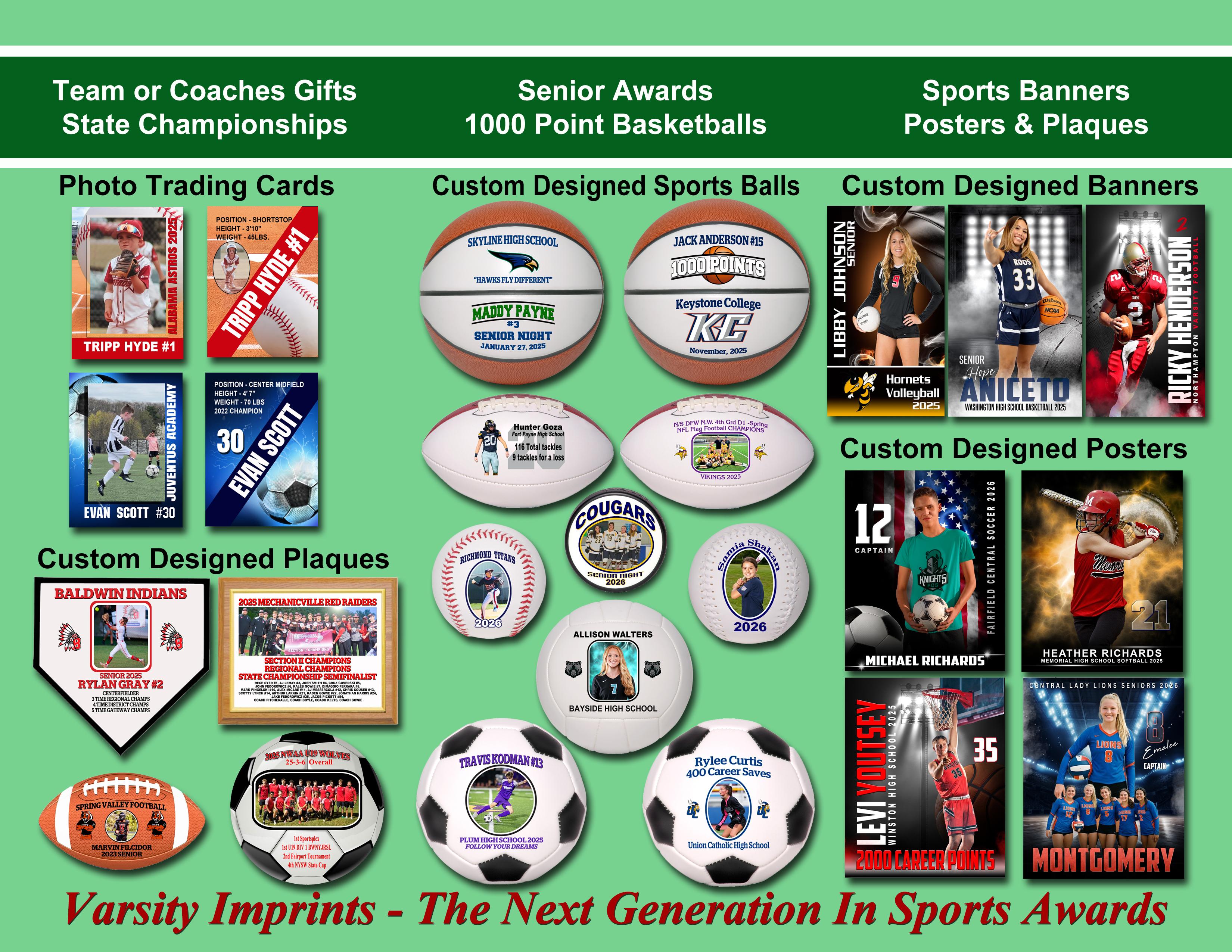
Size. Color. Material. It's all here, and more.
6 Paper/Stock Options
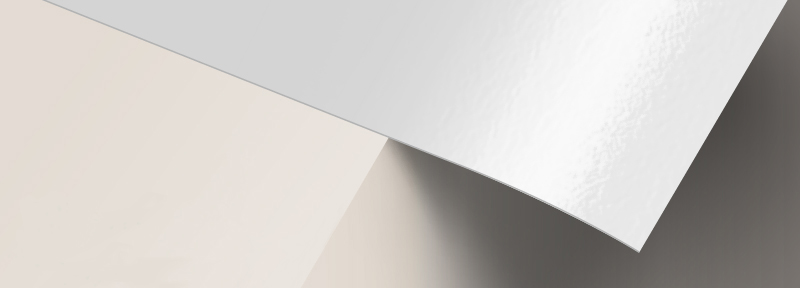
100 lb. Paper Gloss
- The most popular and highly recommended choice
- Thicker than a standard magazine page
- Gloss coating is smooth, shiny, and fade-resistant
- Great for artwork that has images and text
- Foldable and easy to keep for future reference
- Gloss coating comes with a shiny finish and prints colors in vivid detail
- Has a fade-resistant surface
.jpg)
100 lb. Paper Matte
- Thicker than a standard magazine page
- Matte softens colors for a more elegant look
- Less glare makes text easier to read
.jpg)
10 pt. Cardstock Gloss
- Durable cardstock that’s scored prior to folding
- Glossy finish provides vibrant coloring
- Scratch and scuff-resistant coating
.jpg)
10 pt. Cardstock Matte
- Durable cardstock that’s scored prior to folding
- Matte coating produces an elegant, muted hue
- Writable surface for ballpoint pens and permanent markers
.jpg)
70 lb. Paper Uncoated
- The thinnest and lightest paper stock available
- Thrice the weight of regular (20 lb.) copy paper
- Ideal for brochures with return forms
- Has a smooth, writable surface on both sides
.jpg)
80 lb. Paper Gloss
- Slightly thicker and heavier than 70 lb. paper
- Medium weight makes it easy to hand out
- Gloss coating brightens colors and adds shine
Brochure templates.
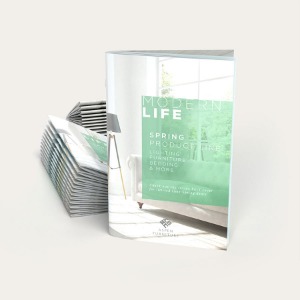
Save time by using our free templates. Our templates have been set up with proper bleeds and margins, assuring your print job turns out accurately. To download, select a file type and click on the size below. Note that all sizes indicated show the brochure measurements before folding.



About Hard Copy Proofs
UPrinting offers hard copy proofs for clients with color critical art. These color proofs are printed on our highly calibrated EPSON proofing system and are closest representation of the final printed pieces.
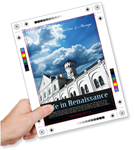
Hard Copy proofs are printed using Kodak Proofing Stock, which is different from the actual paper we will use when printing your order. While its main purpose is to show color, variations may occur depending on the finish selected (AQ, Matte, UV) for the final print job. We do not offer hard copy proofs for art that will be printed on uncoated paper.