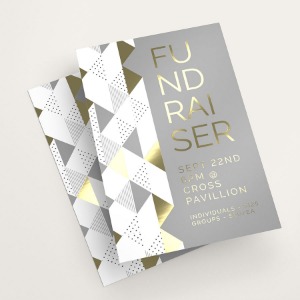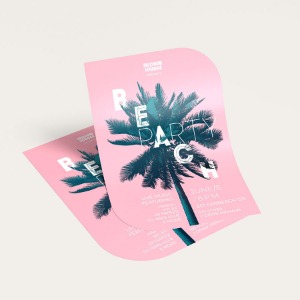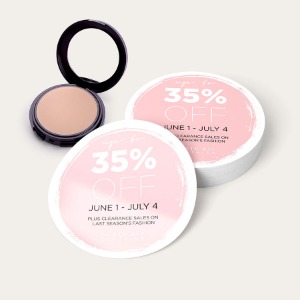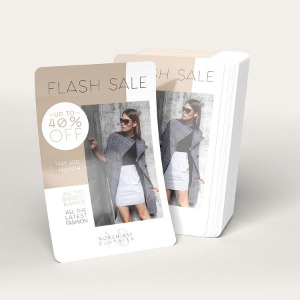

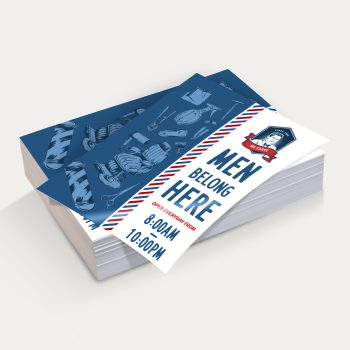




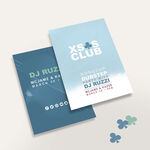



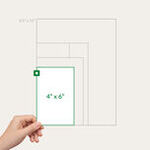
- 8.5" x 11" and 6 other sizes plus custom sizes
- Gloss, matte, or uncoated paper options
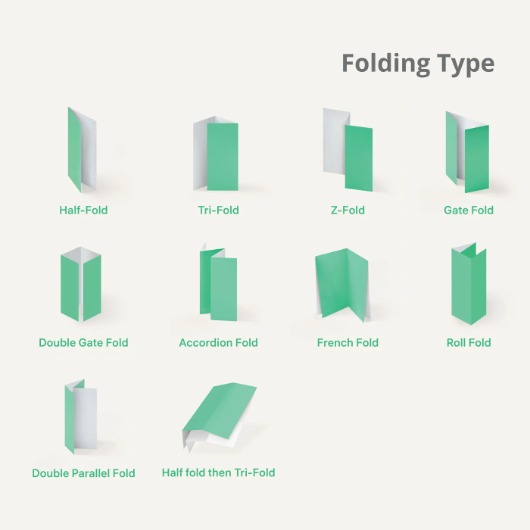
- Optional folding: half-fold, tri-fold, accordion, and more
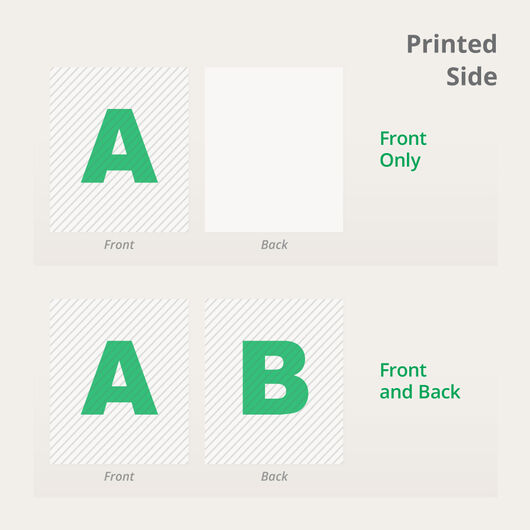
- Single- or double-sided printing
- Order quantities from 25 to 100,000
- Fast turnaround options available (1-3 days)
Business Flyers
Features
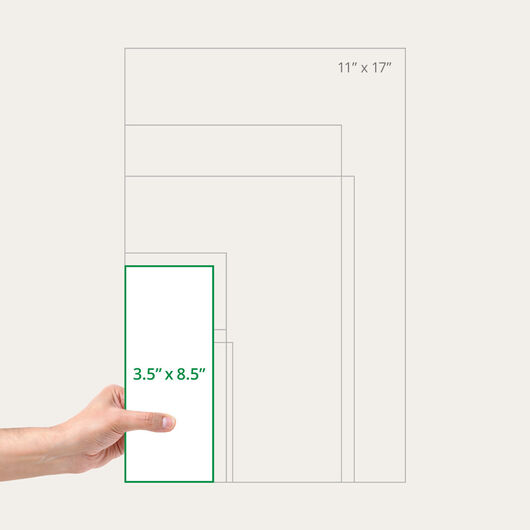
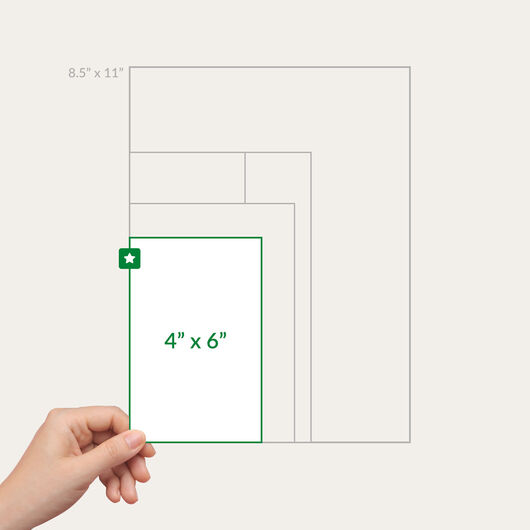
- 8.5" x 11" and 6 other sizes plus custom sizes
- Gloss, matte, or uncoated paper options
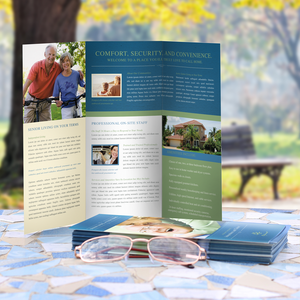
- Optional folding: half-fold, tri-fold, accordion, and more
- Single- or double-sided printing
- Order quantities from 25 to 100,000
- Fast turnaround options available (1-3 days)
Business flyer printing that boosts your brand.
“
Flyers don’t just call a customer’s attention—they can easily shift their focus to your business and what it has to offer.
Business flyer printing has been used for decades to inform both loyal and potential customers of retail, real estate, and restaurant products and services. Promotional flyers are also used to announce major changes such as a new store branch or address change. They are also easy to hand out in high foot traffic areas, letting you target specific audiences.
How to Choose the Best Paper Type
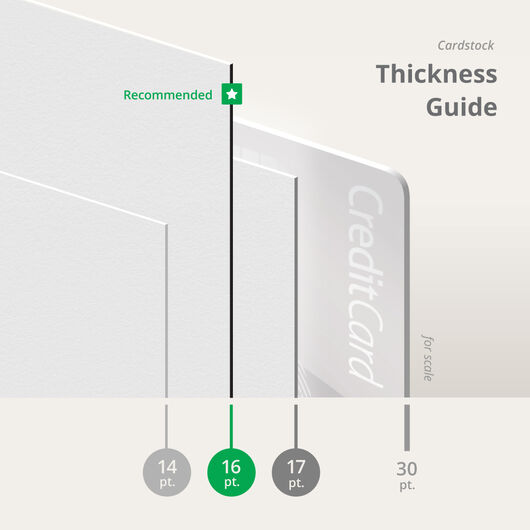
We offer three kinds of paper stock and two cardstock options. The choice will depend on your preferred material thickness and the distribution method of the marketing flyers.
Cardstock Choices
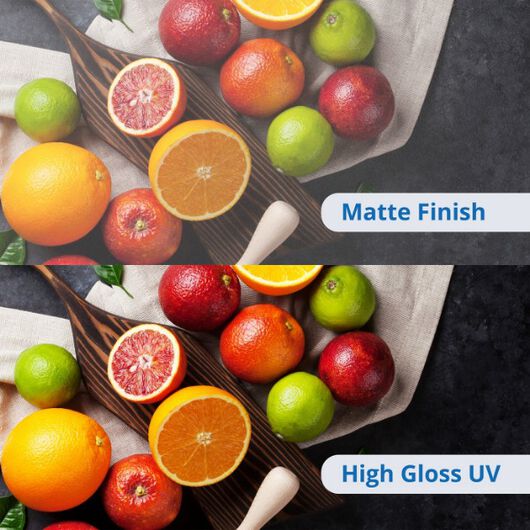
What to Expect With Our Coating Options
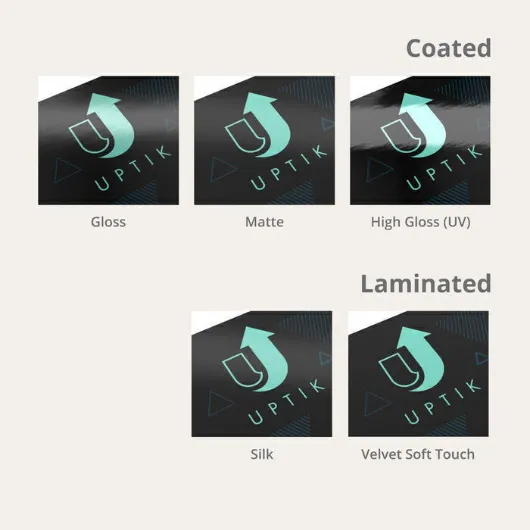
Your coating option determines the finish and feel of your business flyer design. Here’s a quick guide on what to expect from the four available options.


For more information, check out our comprehensive guide on paper, cardstock, and coating options.
Whether you’re opening a new store, announcing a real estate company development or launching a product line, business flyers let you communicate immediately to your target market. We also offer folding options for those that need to store and transport flyers to several locations. You can also read our post on 4 Flyer Sizes That Work Across Events, Mail, and Displays if you are considering folds for your flyer design.
Start business flyer printing with us today. Upload your file online or use our flyer design templates to get you started. Select our free proof option so you can check on the file before we proceed with printing.
Additional Resource:
Business Flyer Q&A
- 100 lb. Gloss or Matte Paper – Sleek and professional. Heavier than magazine stock, yet still flexible for easy handling.
- 10 pt. Cardstock – Comparable to a magazine cover. A smart option if you want sturdiness without going too heavy.
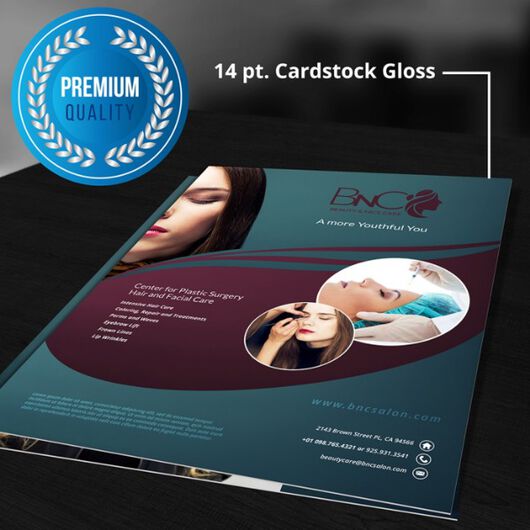
- 14 pt. Cardstock – Our most popular pick. Thick enough to resist bending, with glossy or matte finishes that elevate your design.
Best Value Tip: For the ideal balance of durability and affordability, go with 14 pt cardstock. It delivers a professional look and comes in glossy, matte, or uncoated finishes to perfectly match your brand style.
- Thinner stocks (most paper stocks or up to 10 pt. cardstock). Flyers are scored and folded before shipping. Scoring creates a clean crease line, ensuring your flyers fold neatly without cracking.
- Thicker stocks (14 pt. and above). Flyers are scored but shipped flat. This protects them during transit while still giving you an easy crease to fold along when you’re ready.
Use 100 lb paper or thicker stocks like 10 pt or 14 pt cardstock if you want more durability. Standard text papers such as 70 lb or 80 lb are thinner and more flexible.
Use the folding templates to position your panels correctly and keep important text away from fold lines. Flyers on thinner paper or up to 10 pt cardstock are folded before shipping, while 14 pt and thicker stocks are scored and shipped flat. The score line makes it easier to fold without cracking the print.
 If you are mailing this product, please confirm that your mail addressing machine can print on the laminated surface. If unsure, please call to request for a sample before placing your order.