



.jpg)


.jpg)



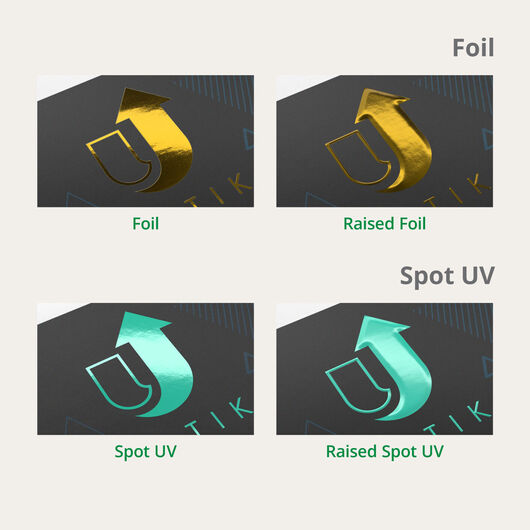
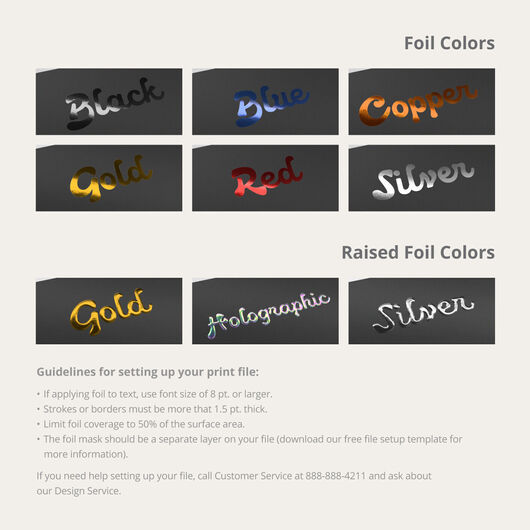
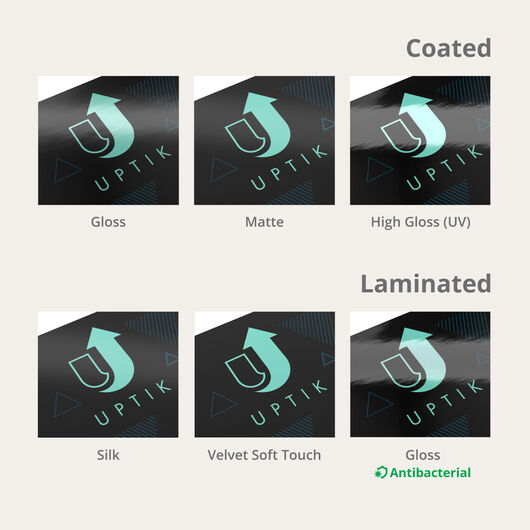
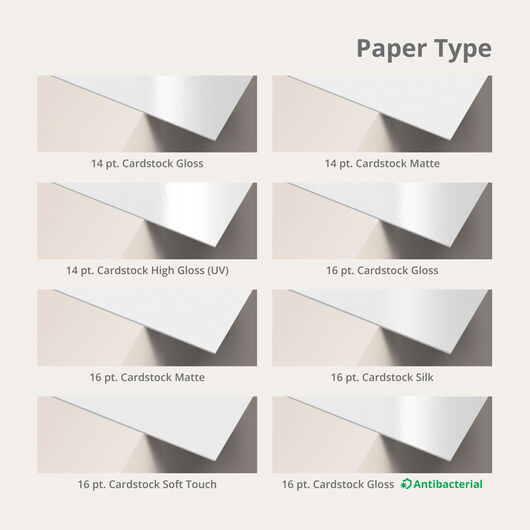



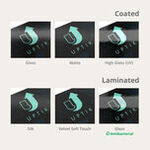


.jpg)
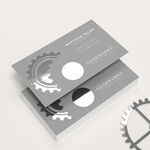
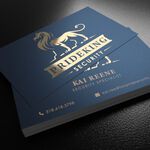
.jpg)


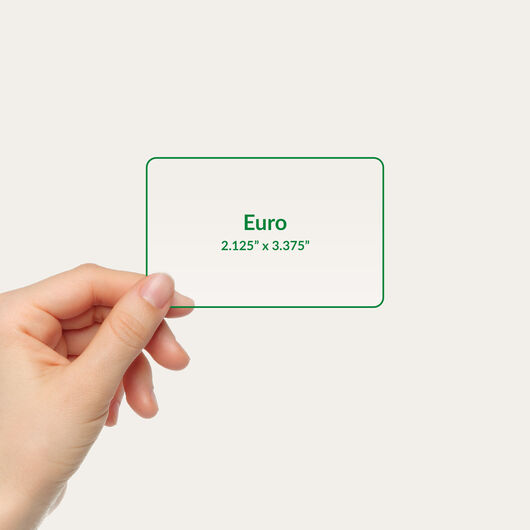

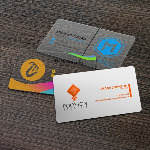

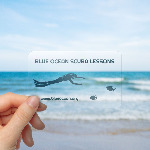
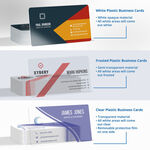
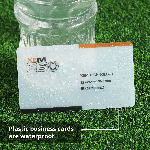

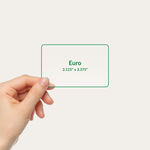
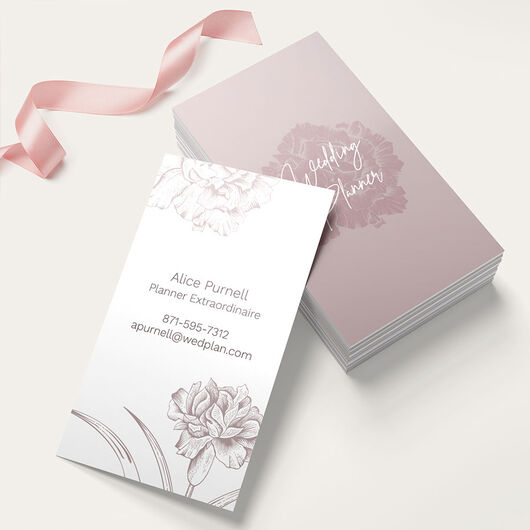
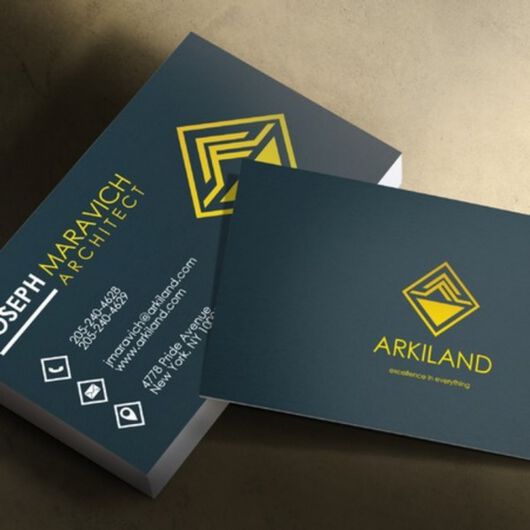
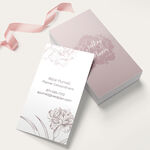

- Standard 3.5" × 2" business card size + other sizes
- Thick, premium cardstock
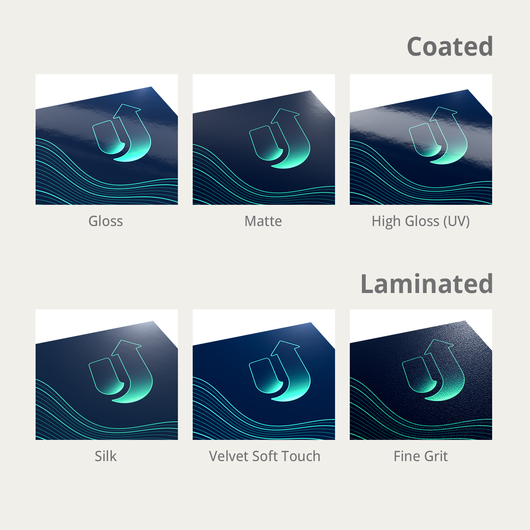
- Gloss, matte, or uncoated finishes
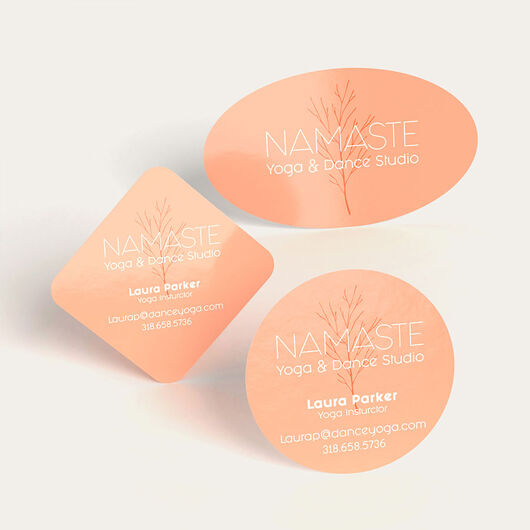
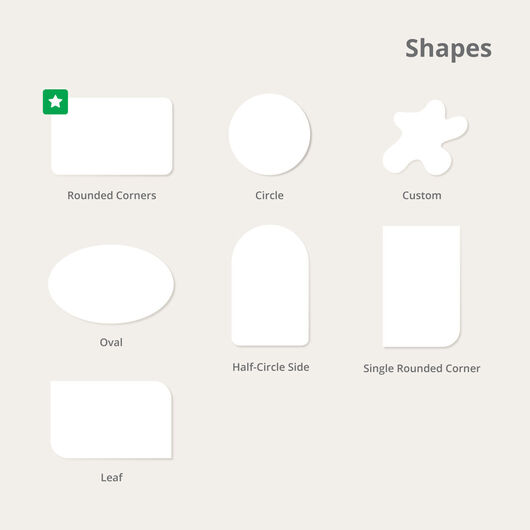
- Optional rounded corners
- Premium upgrades available
- Quantities from 25 to 10,000
- Fast turnaround options available (1-3 days)
- Easy-to-use design templates (browse here)
Standard Business Cards


Features
- Standard 3.5" × 2" business card size + other sizes
- Thick, premium cardstock
- Gloss, matte, or uncoated finishes
- Optional rounded corners
- Premium upgrades available
- Quantities from 25 to 10,000
- Fast turnaround options available (1-3 days)
- Easy-to-use design templates (browse here)
Standard Business Cards: A Classic Favorite
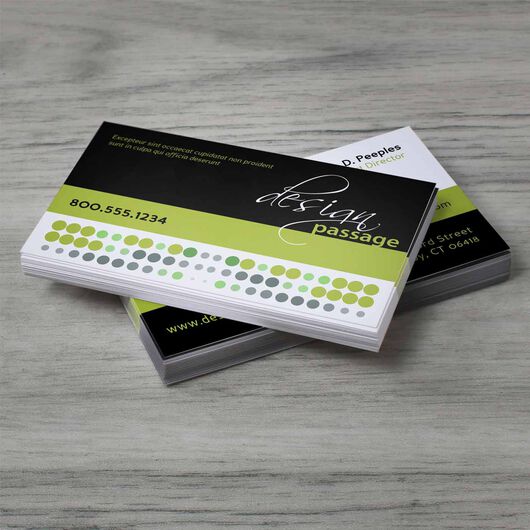
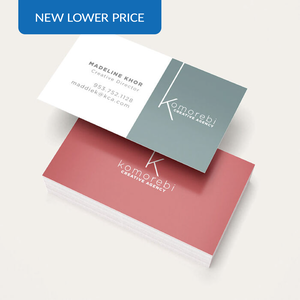
Order standard business cards that are ready in one to three business days. Our most budget-friendly option is perfect for quick runs and first-time orders. Here are the specs for standard business cards:

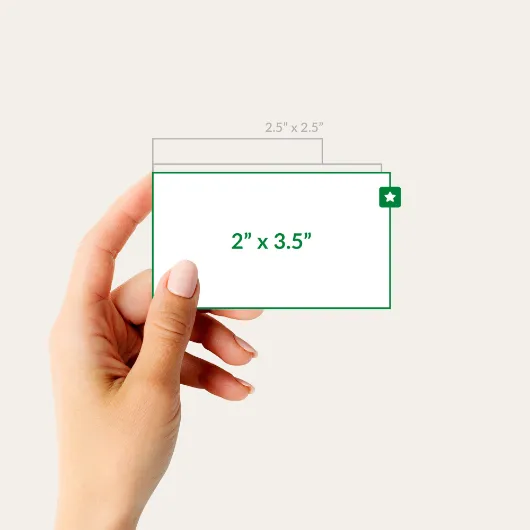
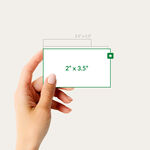
Size: 3.5” x 2”, 2” x 3.5”
The industry-standard size that fits perfectly in wallets, card holders, and hands.

Paper: 14 pt. Gloss Cardstock
Durable and smooth with a glossy finish that makes colors pop.

Printing: Front Only or Both Sides
Printing on the front only is a budget-friendly choice perfect for essential info and simple designs.
Upgrade Your Business Cards With Our Premium Options

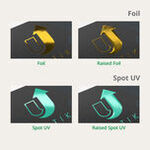
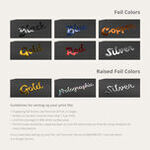
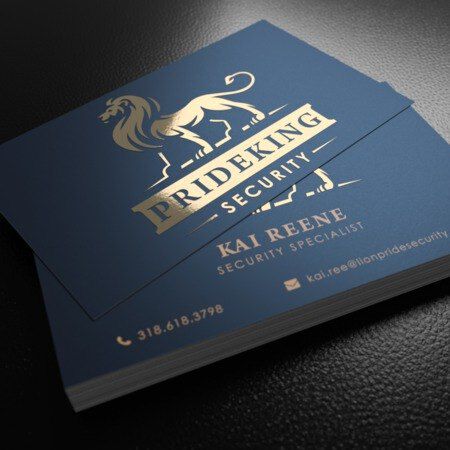
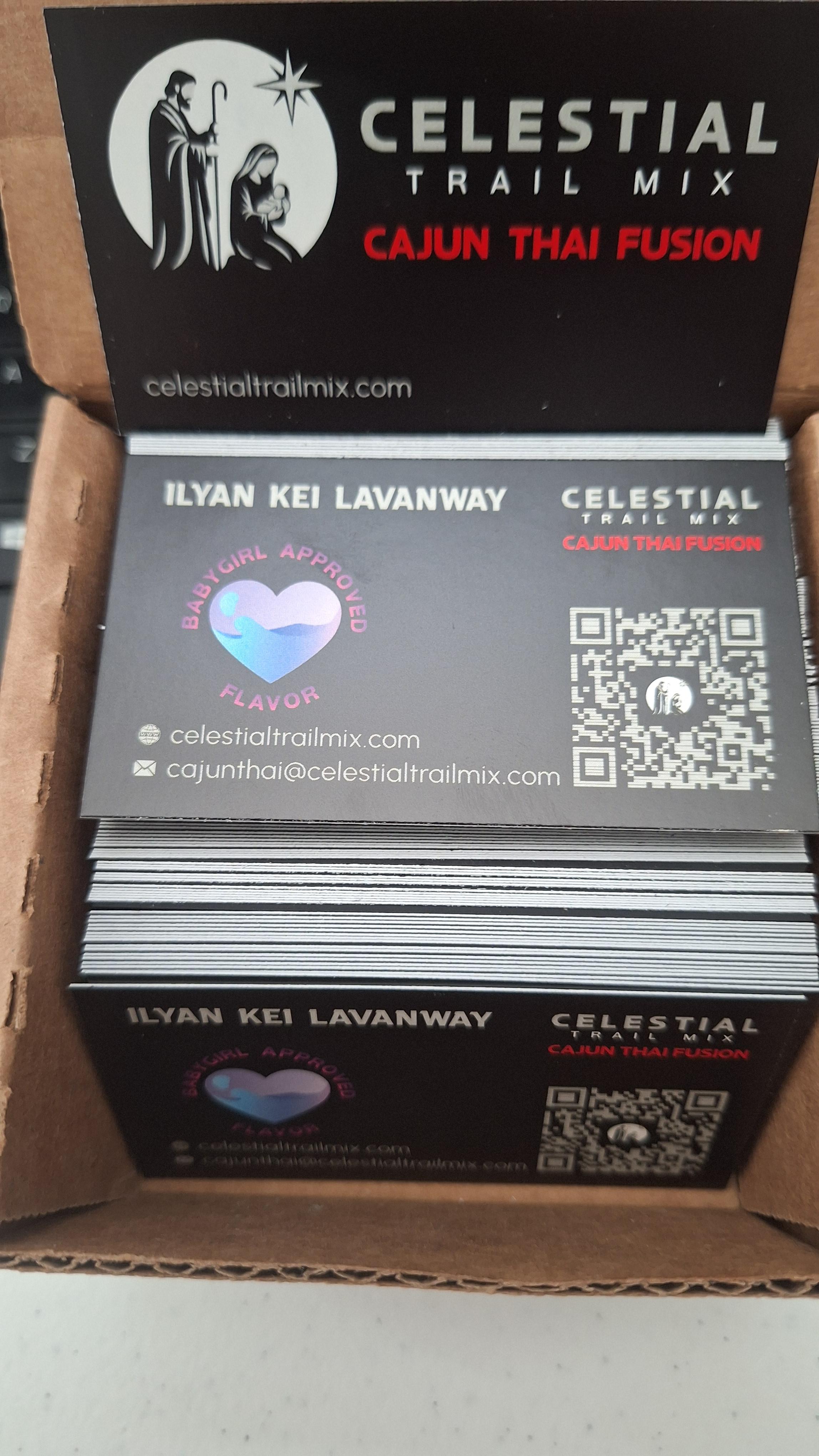
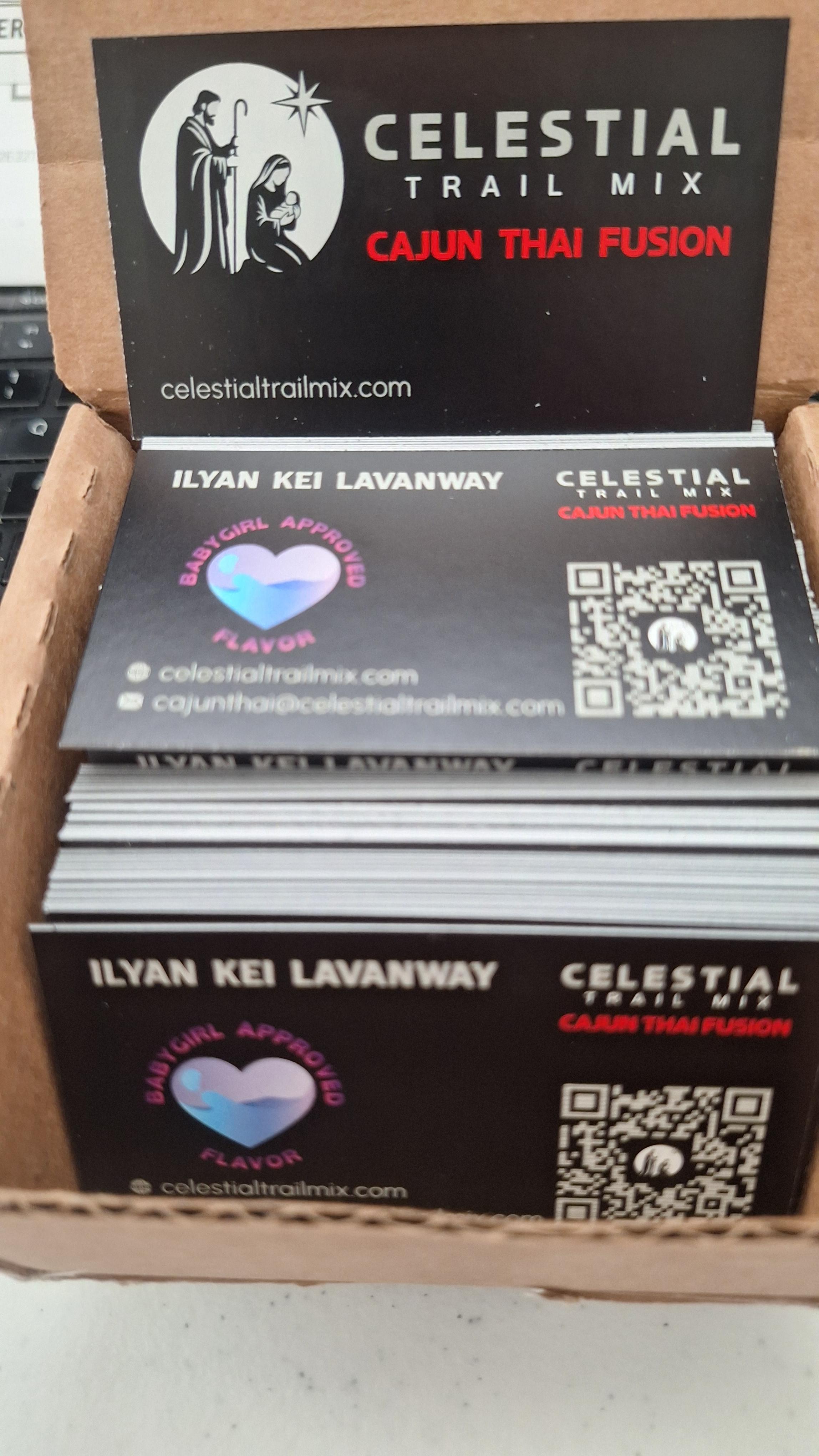
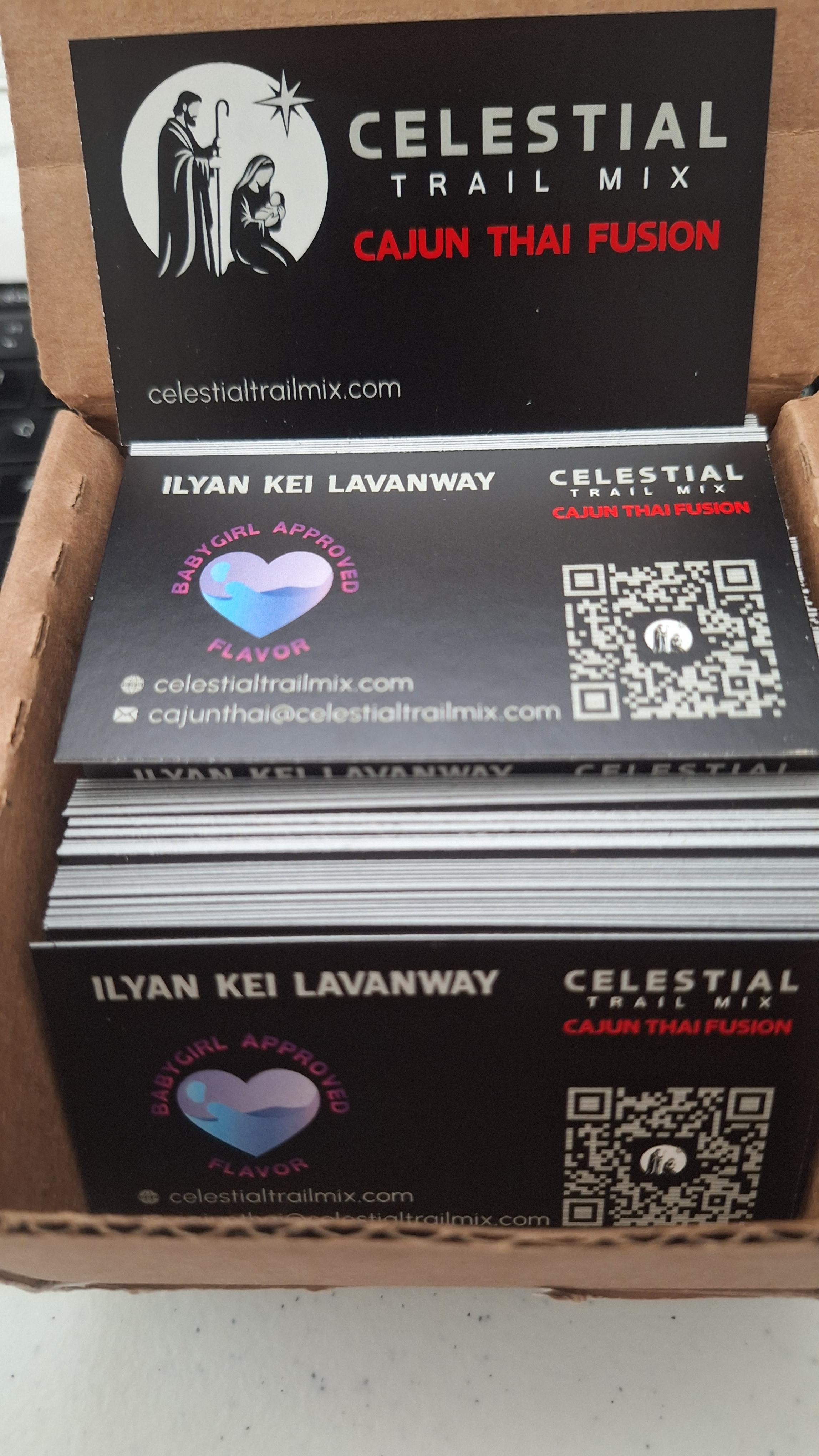
Foil Stamping
Add shimmering metallic accents perfect for highlighting logos, names, and other design elements. Foil colors are available in gold, copper, silver, black, blue, and red.
Silk Lamination
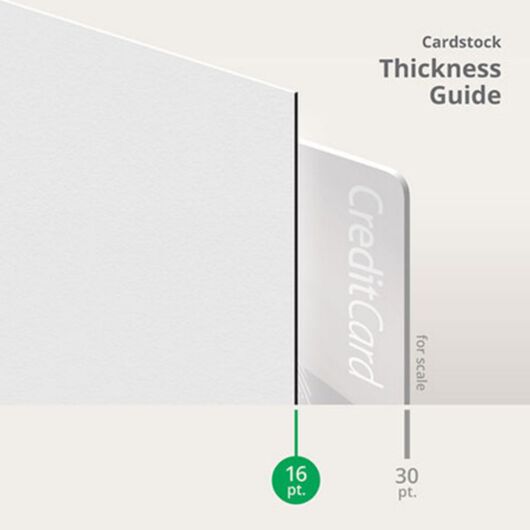
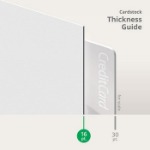
Enjoy a smooth, velvety texture on a 16 pt. cardstock. This soft-touch coating resists water, smudges, and daily wear delivering long-lasting elegance.
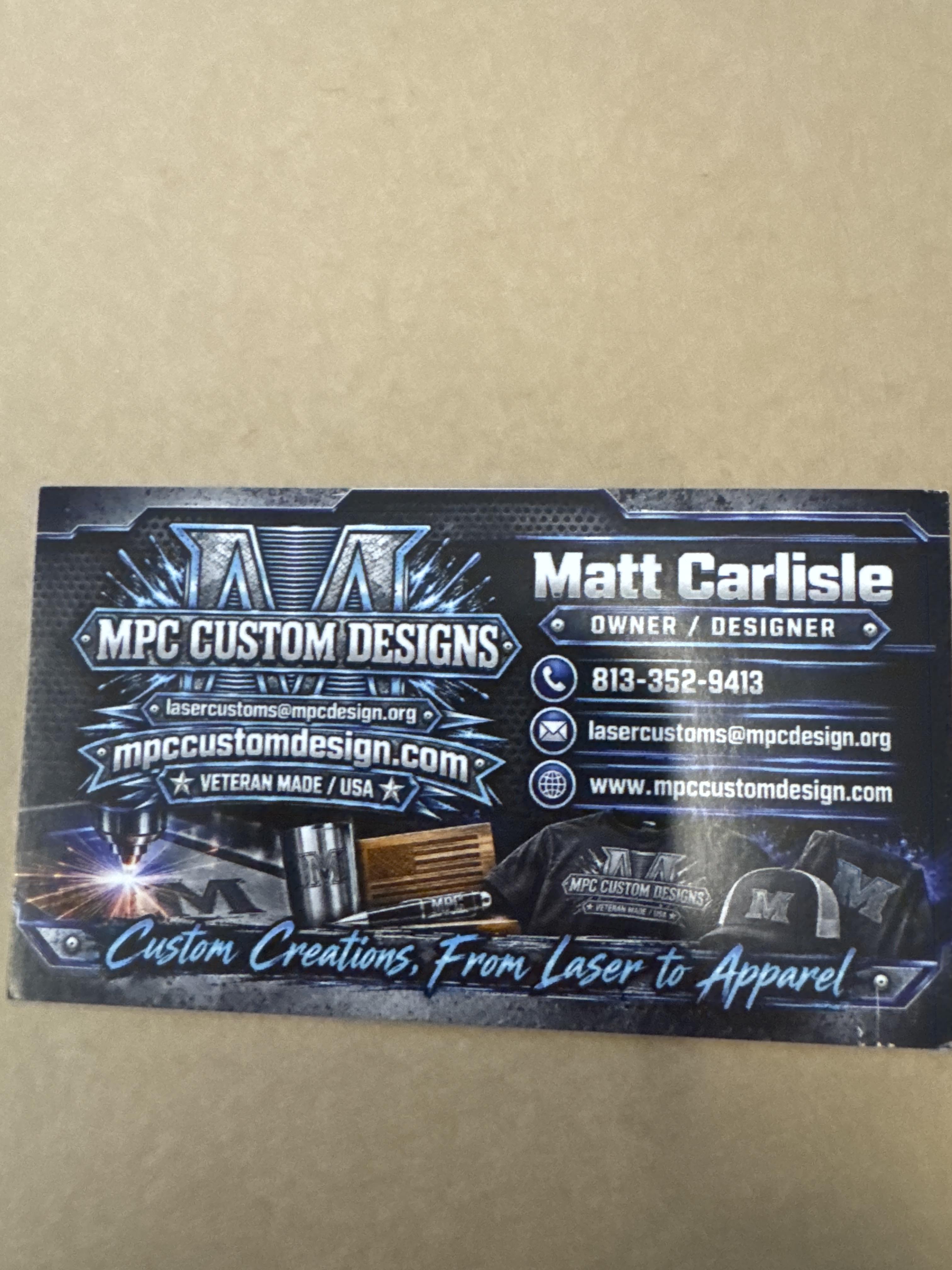
Spot UV Coating
Spot UV adds a glossy layer to certain elements in your design like text, graphics, or logos. Available on 16 pt. cardstock under Foil and Silk option.
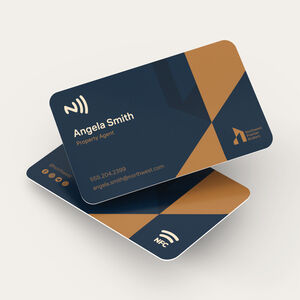
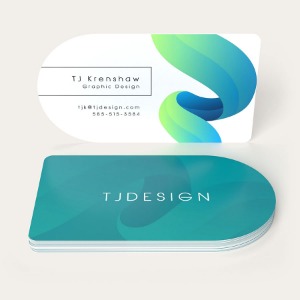
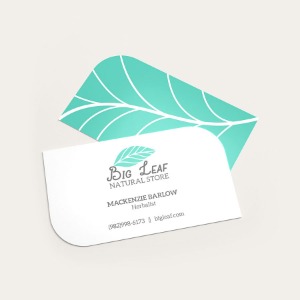
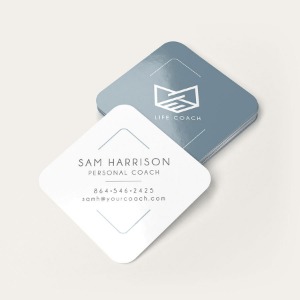
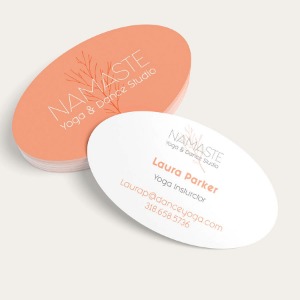
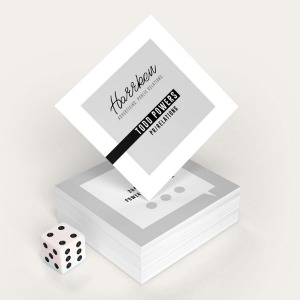
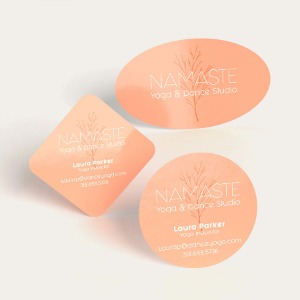
Rounded Corners
Soften the look of your card with smooth, rounded edges. This simple touch creates a modern, refined appearance that stands out.
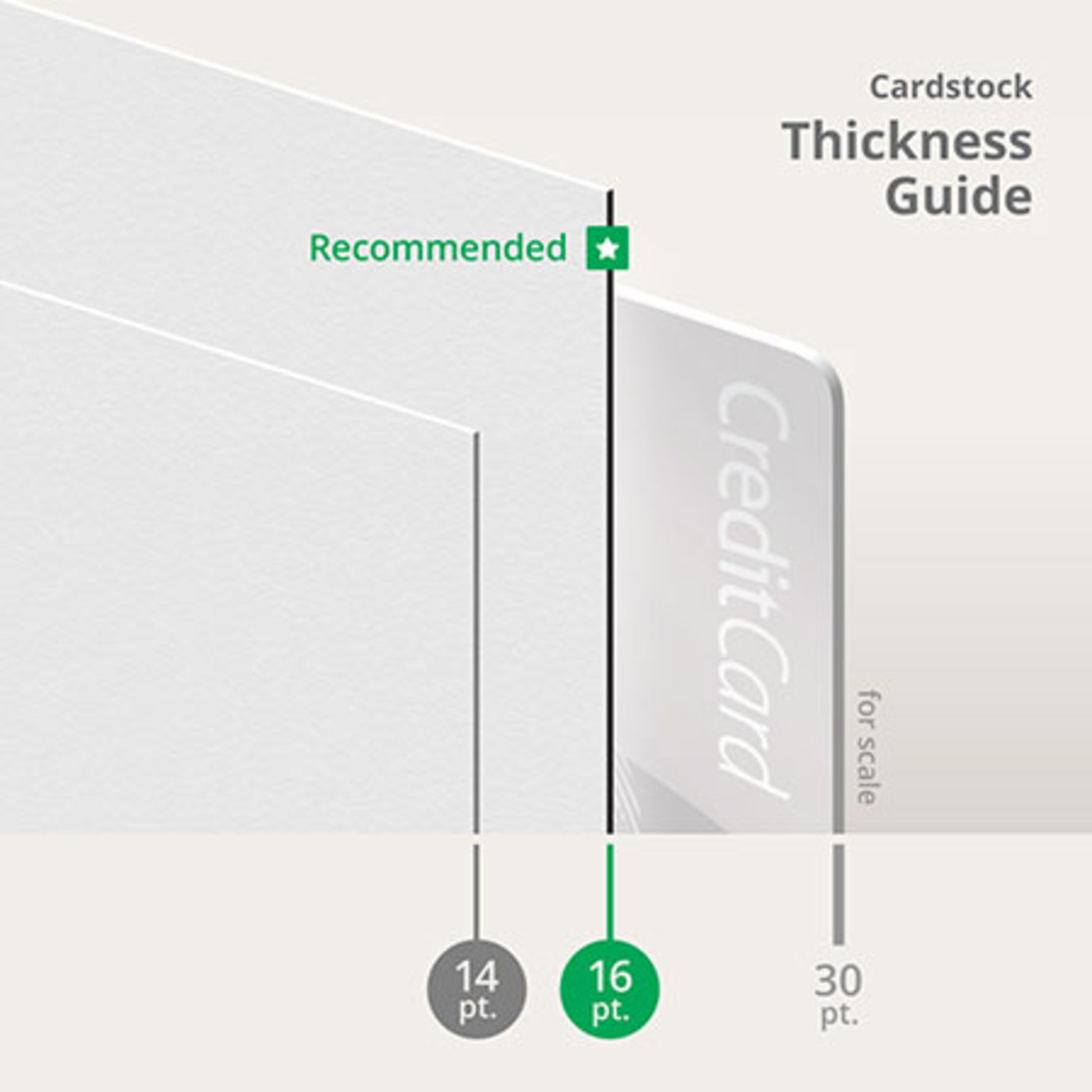
Which Cardstock Is Right for You: 14 pt., 16 pt., or 17 pt.?
Available Options |
14 pt. Cardstock |
16 pt. Cardstock |
17 pt. Cardstock |
|---|---|---|---|
| Thickness and Feel | Most common, lightweight yet sturdy |
Thicker than 14 pt., more solid and substantial, with more premium options to upgrade UPrinting Recommends! |
Thickest option available, high-end feel |
| Gloss and Matte Finish Compatibility | Yes | Yes | No |
| Writability | Yes, choose the Uncoated Cardstock option | No Uncoated option | Yes, choose the Uncoated Cardstock option |
| Premium Upgrades | Foil | Foil, Spot UV, Silk | Uncoated option only |
Standard Business Card Printing FAQs
2” x 3.5” is the US standard business card size. It fits easily in wallets and cardholders.
Learn more about Business Card Sizes in this guide.
You need your business card design file.
If you have your design file ready, proceed to upload your own artwork. We offer free proofing to ensure your designs are print-ready.
If you do not have your designs ready, you can choose from two options:
Option 1: Design Online. Use our easy-to-use design tool to create your card from scratch.
Option 2: Use Our Design Templates. Choose from professionally designed layouts you can customize with your logo, business info, and branding.
- Your name and job title
- Company name and logo
- Phone number and email address
- Website or social media handle (optional, only if available)
- Business address (optional, for office/physical locations)
The minimum order for business cards is just 25 pieces, definitely an affordable option!
Choose our one business day print turnaround for the fastest production time. Use the shipping calculator to check delivery dates based on your ZIP code.
We recommend PDF. We also accept JPG, PNG, PSD, AI, DOCX, and other popular formats.
The business card design should be placed within three lines that guide how the material is cut. Our available layout templates already include these lines. But those who want to start from scratch need to create a design within the following standard guidelines:
- Safety Line is placed around the actual business card design, particularly your logo, contact information, etc.
- Trim Area is the area between the bleed line and safety line. This provides additional room for cutting the business card.
- Bleed Line refers to the edge of your business card file. The background of your design should go all the way up to this area to prevent the appearance of a white border.
Use at least 9 pt font, maintain strong contrast, and avoid thin or hairline fonts. You can use our tool to help you gauge font size and distance: https://www.uprinting.com/blog/business-cards-font-size/
Yes. Different paper stocks and finishes can change how colors look. Gloss makes colors appear brighter, matte gives a softer look, uncoated stock looks more natural, and UV gloss adds extra shine to highlighted areas.
Choose the 14 pt. Cardstock (Coated Front + Uncoated Back) paper type. The glossy side enhances color while the uncoated side allows easy writing with pens or pencils.
Keep borders at least 1/8 inch inside the safe zone and extend background colors into the bleed area. Avoid placing borders too close to trim edges since slight shifts can happen during production.
Bestselling Business Card Styles to Consider
Explore more top-selling business card options:


Free Business Cards Design Templates
Follow these simple steps to customize your business cards with our free design templates below:


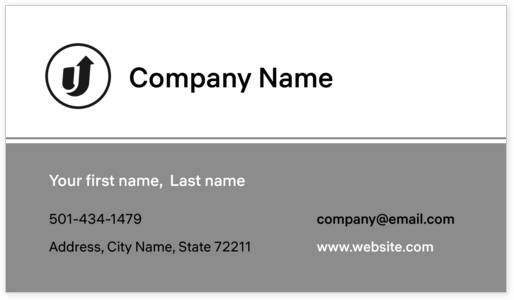


Print File Guidelines
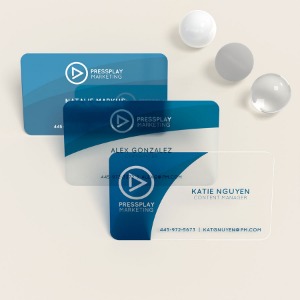
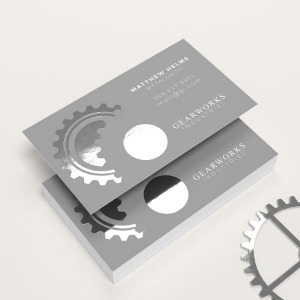
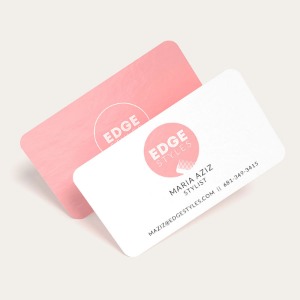
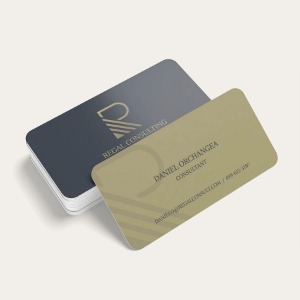
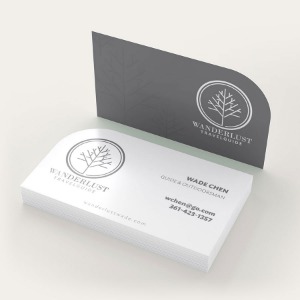
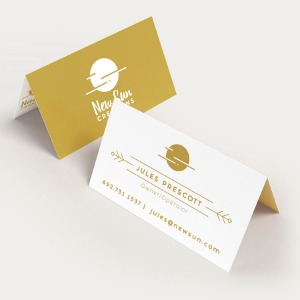
About Hard Copy Proofs
UPrinting offers hard copy proofs for clients with color critical art. These color proofs are printed on our highly calibrated EPSON proofing system and are closest representation of the final printed pieces.

Hard Copy proofs are printed using Kodak Proofing Stock, which is different from the actual paper we will use when printing your order. While its main purpose is to show color, variations may occur depending on the finish selected (AQ, Matte, UV) for the final print job. We do not offer hard copy proofs for art that will be printed on uncoated paper.